Browse categories
English
$
USD
Connect to your AI


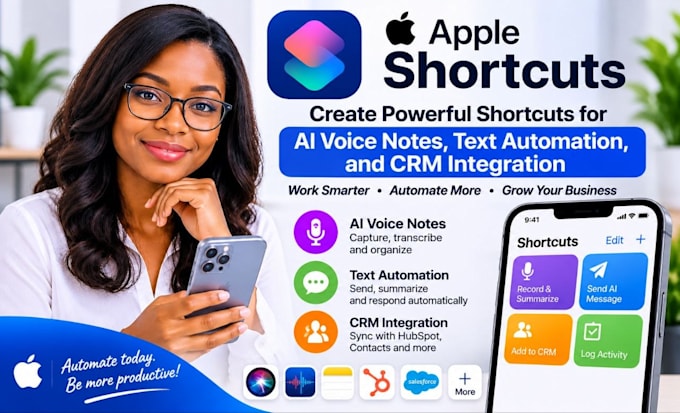
Want to turn audio recordings or spoken notes into useful information and send the results directly into your business workflow?
I can help configure Apple Shortcuts, OpenAI, Make.com, and Slack to automate supported audio and text-processing tasks. Depending on your requirements, a workflow can capture input, transcribe audio through a suitable service, extract structured information, and send the result to a designated Slack channel.
Services I offer:
Platforms I work with:
Apple Shortcuts Apple Intelligence Siri iOS iPadOS OpenAI API ChatGPT Make.com Slack Slack API Whisper Google Drive Google Sheets Notion Airtable Zapier n8n REST APIs Webhooks Typeform Microsoft Teams Apple Notes Apple Reminders clay com loftycrm twilio
SELECT A PACKAGE OR MESSAGE ME FOR A CUSTOM QUOTE.
AI Automation specialist
Languages
. Can you turn audio into text using Apple Shortcuts?
I can configure supported audio workflows. Transcription may require a compatible transcription feature or service, depending on the audio source and device.
Can OpenAI extract structured information from audio or transcripts?
Yes. With a suitable transcription step where necessary, an OpenAI workflow can process the resulting text into agreed fields, summaries, or structured output.
Can the parsed result be sent to a Slack channel automatically?
Yes, if the workflow has authorized Slack access and the required channel actions are supported. Channel permissions and message formatting must be confirmed.
Does this require Make.com or an OpenAI API subscription?
Not every workflow requires both. More advanced integrations may need Make.com, OpenAI API access, and separate usage allowances, depending on the design.
What do you need to start?
Share a sample input, the fields you want extracted, the preferred output format, your device details, and the intended Slack destination. Use secure authorization methods for connected accounts.