Browse categories
Explore
Fiverr Pro
English
$
USD
Certified QuickBooks ProAdvisor, Xero L2 Professional and Migration Expert
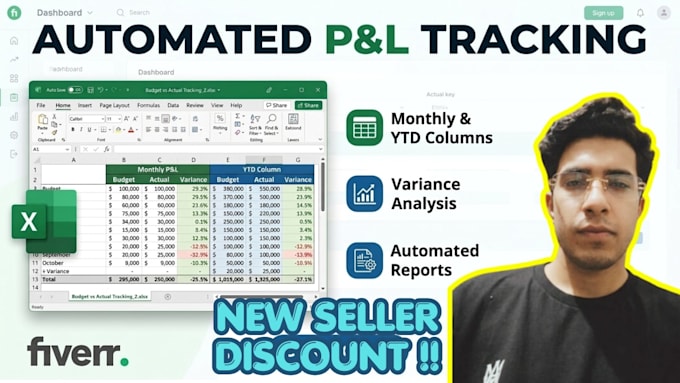
Welcome to an advanced excel financial tracker designed to manage your business budget with absolute corporate precision. This custom excel financial tracker operates with premium formula automation.
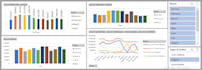
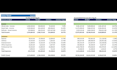
I will deliver an interactive, automated budget vs actual spreadsheet. This high-yield excel dashboard features a professional variance analysis engine designed to target overruns instantly. Ideal for monthly variance analysis!
What's Pre-Configured in this Excel Template:
This acts as your dedicated excel financial tracker. Say goodbye to broken formulasget your dynamic budget vs actual excel dashboard today! Message me to customize this excel template!


Visualization tools:
Microsoft Excel
Service type:
Budget Vs. actual analysis
Industry:
Art & design
•
E-Commerce
•
Events planning
What do you need from me to start the project?
To begin, I will need your existing financial data (historical actuals and your current budget/forecast if available), your chart of accounts or specific P&L categories, and a clear idea of your reporting frequency. If your data is currently unorganized ,don't worry. I will do cleaning processes.
Can you customize the tracker to match my specific business model?
Absolutely. Every business tracks profitability differently. Whether you run an e-commerce brand, a SaaS platform, a brick-and-mortar store, or a service agency, I will customize the rows, expense categories, and KPIs to match your exact industry needs.
What is the difference between the Monthly and YTD columns?
The monthly columns allow you to isolate performance for a specific period to catch short-term anomalies or seasonal spikes. The Year-to-Date (YTD) columns aggregate your performance from the start of your fiscal year up to the current date. Together, they give you a dual-perspective view.