Browse categories
Explore
Fiverr Pro
English
$
USD
Digital Analytics and Tracking Specialist
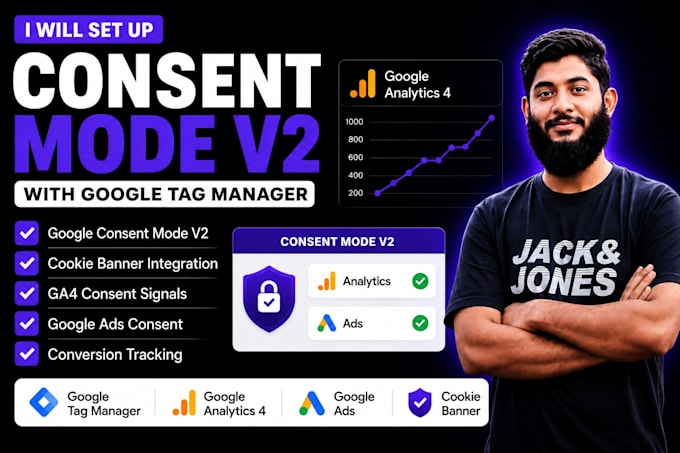
Losing Google Ads conversions because of GDPR or DMA? I will professionally set up Google Consent Mode V2 with Google Tag Manager (GTM) to keep your website compliant while preserving accurate GA4 and Google Ads tracking.
I'm Md. Nayem, a Digital Analytics Specialist with 4+ years of experience in GA4, GTM, Consent Mode, and conversion tracking.
What I Fix:
What You'll Get:
My Process: Audit Setup Configure GTM Test Verify
Requirements: GTM, GA4, Google Ads (if applicable), and your website/CMP access.
Please contact me before ordering to discuss your tracking requirements and ensure the right Consent Mode V2 setup for your website.

What is Google Consent Mode V2?
It is a mandatory update for advertisers using Google Ads in the EEA. It allows your website tags (GA4 and Ads) to adjust their behavior based on a user's consent status, ensuring privacy compliance while recovering "lost" conversion data
Do I need a Cookie Management Platform (CMP)?
Yes. To properly fire Consent Mode V2 signals, you need a certified CMP like Cookiebot, OneTrust, or Usercentrics. I can help you select and integrate the best one for your Shopify or WordPress store
Will this fix my "missing" Google Ads conversions?
Absolutely. Consent Mode V2 uses conversion modeling to fill gaps when users decline cookies. Without it, you are likely under-reporting your ad performance by up to 20-30%
Can you set this up on any platform?
Yes. I work with Shopify, WordPress, WooCommerce, Wix, Squarespace, and custom Laravel sites. I use Google Tag Manager to ensure the implementation is clean and doesn't affect your site speed
How do we verify the setup is working?
I use the GTM Preview mode and GA4 DebugView to show you live evidence that consent signals (analytics_storage, ad_user_data, etc.) are being passed correctly to Google before finalizing the project
