Browse categories
Explore
Fiverr Pro
English
$
USD
Level 1
Has met certain performance criteria and shows strong potential in the marketplace.
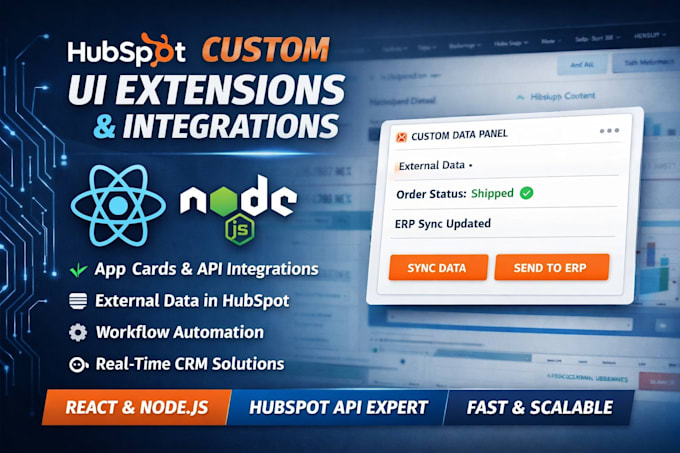
Need external data inside a HubSpot record so your reps stop opening a second tab?
I build HubSpot UI extensions (app cards) with React, TypeScript and the HubSpot CLI on the current developer platform - not the deprecated legacy CRM card endpoint.
Read this before ordering: private app cards require an Enterprise subscription on any hub. On Starter or Pro the route is a public app instead. Tell me your tier and I'll confirm which applies before you spend anything.
What I build:
You get it deployed to a developer test account first, then your portal, plus the project source and a README so your own team can redeploy without me.
5+ years on HubSpot APIs and private apps. Node.js, Python, React.
Message me with your hub tier, the object the card sits on, and the system it pulls data from.

Software:
HubSpot
Industry:
Construction
•
Energy
•
Telecommunications
Do I need HubSpot Enterprise to build a custom CRM card?
For a private app card, yes. Since November 2024 private app cards work on any hub, but the portal must be on an Enterprise tier. On Starter or Pro the route is a public app or an App Page, which have no tier requirement. Send me your hub and tier and I'll confirm before you order.
What is a HubSpot UI extension vs a legacy CRM card?
A UI extension is a React component that runs inside HubSpot, built with the HubSpot CLI and the developer platform. A legacy CRM card is the older endpoint that returns fixed fields. UI extensions give you tables, buttons, forms and custom actions. Legacy cards do not.
Can you migrate my legacy HubSpot CRM card to a UI extension?
Yes. I rebuild the legacy card as a React UI extension on the current developer platform, keeping the same data source and behaviour. HubSpot publishes a legacy CRM card converter as a reference implementation; I use that pattern and extend it with real components and actions.
Which HubSpot objects can a custom app card appear on?
Contacts, companies, deals, tickets and custom objects. Placement options are crm.record.tab in the middle column, crm.record.sidebar in the right rail, and crm.preview in preview panels. Custom objects can be targeted individually or with the p_* wildcard across a portal.
Can the app card write data back to my system, not just show it?
Yes. Two-way is standard: buttons, forms and custom actions in the card call your API through App Functions or hubspot.fetch(). One limit worth knowing early - apps using Sensitive Data scopes can show cards but cannot use hubspot.fetch() or functions.
Which HubSpot developer platform version do you build on?
Platform 2026.03, which restored serverless logic as App Functions under src/app/functions/. I also work on 2025.1 and 2025.2 projects, including the upgrade path between them. If your app is stuck mid-migration after the 2025.2 function removal, that is a job I take on its own.
Can the UI extension pull data from my own API, ERP or database?
Yes. The card can read from any REST API, SQL database, ERP or internal service you can expose to it. Auth, rate limits, error states and empty states are handled in the extension so your reps see a usable card instead of a spinner when the source system is slow or down.
Do I get the source code for the HubSpot private app?
Yes. You get the full developer project source, the -hsmeta.json config, the React components and a README covering setup, deploy and environment variables. Your own team can redeploy it with the HubSpot CLI without me. No lock-in and no hosted black box.
How do you test before deploying to my live HubSpot portal?
I build and deploy in a developer test account or sandbox first, then walk you through it on a recorded demo or screen share. Only after you sign off does the app go to your production portal. That keeps your live records untouched while the card is still changing.
How long does a custom HubSpot app card take to build?
A single read-only card on one object is usually 2-4 days. Cards with write-back, custom actions or multiple objects run 1-2 weeks. Legacy card migrations depend on how many cards and endpoints exist. Message me the object, the data source and your tier for a fixed timeline.
