Browse categories
English
$
USD
Connect to your AI
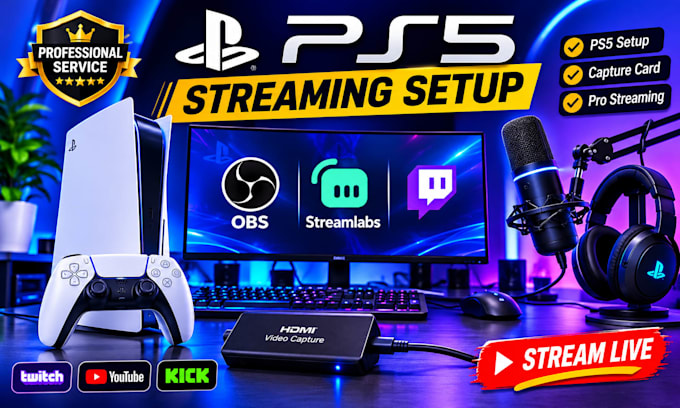
Are you struggling to stream your PS5 gameplay with OBS or Streamlabs? I will help you set up a professional gaming stream using your PS5, capture card and streaming software.
WHAT I OFFER:
WHY CHOOSE ME?
I provide reliable, professional and beginner-friendly streaming setup services to help you enjoy smooth and high-quality gameplay streaming.
Whether you are a beginner or an experienced gamer, I am ready to help.
PLEASE CONTACT ME BEFORE ORDERING so we can discuss your equipment and streaming requirements.
Let's get your PS5 stream ready!
Software:
OBS Studio
Platform:
•
Twitch
•
YouTube
•
Kick
Purpose:
Gaming
•
Music
•
Lifestyle
•
Business
•
News
•
Streamshare
•
Webinar
Can you set up my PS5 with OBS Studio?
Yes! I can configure your PS5 with OBS using a compatible capture card.
Do you work with Streamlabs?
Yes. I support both OBS Studio and Streamlabs Desktop.
Which capture cards do you support?
I can help configure compatible Elgato, AVerMedia and other capture cards.
Can you set up Twitch, YouTube and Kick?
Yes, I can help connect and configure your streaming platform.
Do I need a capture card?
For the standard PS5-to-PC OBS streaming workflow, yes, you generally need a compatible capture card.
Can you fix audio and black-screen problems?
Yes, I can troubleshoot common capture, audio and video issues.
