Browse categories
Explore
Fiverr Pro
English
$
USD

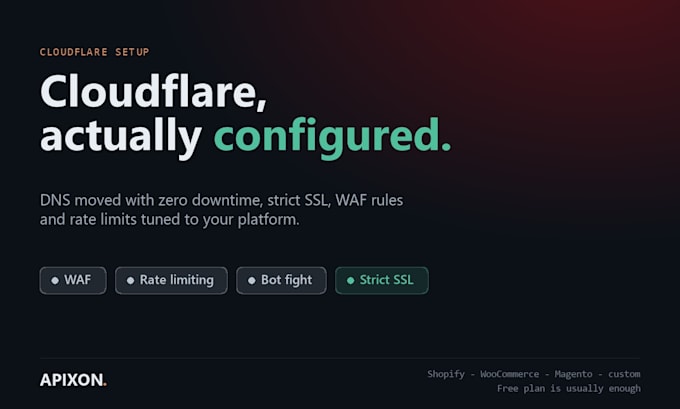

Cloudflare's free plan already blocks most of what hits a small store, if it is configured. Default settings block almost nothing.
WHAT I DO
Migrate DNS with zero downtime, verifying every record before the switch
Set SSL to Full (strict), not Flexible, which is a security hole most setups still have
Tune WAF rules to your platform: Shopify, WooCommerce, Magento or custom
Rate limit login, checkout and cart endpoints, where the abuse actually lands
Bot Fight Mode and challenge rules that do not punish real customers
Caching and page rules so the site gets faster, not slower
WHAT YOU GET
A before and after of what is now being blocked, taken from your own Cloudflare analytics after 24 hours. Real numbers from your traffic.
Free plan is fine for most stores. I will tell you honestly if you need Pro and why. I do not upsell you into a plan you will not use.
Also covered: hiding your origin IP and closing the direct-to-origin bypass that makes a WAF pointless.
Please be aware that it is against Fiverr's policies for sellers to include themes, templates, or any other elements that infringe third-party rights or applicable laws in the delivered work. Read more about in our Guide to Responsible Digital Creation.
Website Security Fixes not just scans
Languages
Will my site go down during migration?
No. I copy every record first and lower TTLs beforehand. Migrations are done in minutes and I verify the site before and after.
Do I need a paid Cloudflare plan?
Usually not. Rate limiting and the managed rules on the Free plan cover a small store. If you genuinely need Pro I will say so and explain why.
Will it block my real customers?
That is the part people get wrong. I tune challenge levels and read the firewall logs before finishing, so genuine traffic passes.
