Browse categories
English
$
USD
Connect to your AI




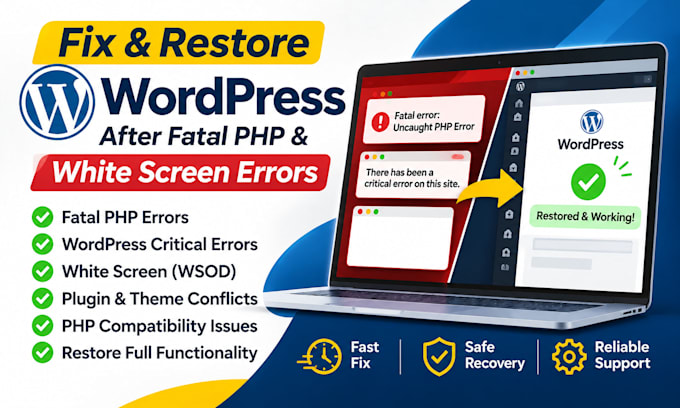
Is your WordPress site showing a fatal PHP error, critical error, or white screen? Ill help identify the cause and restore normal functionality.
I specialize in fixing:
Whether your site stopped working after an update, plugin installation, theme change, or code modification, Ill investigate the root cause and apply an appropriate fix. I work carefully to protect your content and functionality while resolving the issue.
Youll receive clear communication, careful troubleshooting, and support throughout the process. My goal is to get your WordPress site working properly again.
Dont let technical errors keep your business offline. Message me before ordering with a brief explanation or screenshot, so I can assess the issue and recommend the right solution. Ill explain the steps before making changes and keep you informed.
Please be aware that it is against Fiverr's policies for sellers to include themes, templates, or any other elements that infringe third-party rights or applicable laws in the delivered work. Read more about in our Guide to Responsible Digital Creation.
WordPress Developer, Website Repair And Custom Solution
Languages
What types of WordPress errors can you fix?
I can troubleshoot fatal PHP errors, critical errors, white screen of death, plugin conflicts, theme issues, PHP compatibility problems, dashboard errors and update-related issues.
Can you restore my WordPress site after a fatal PHP error?
Yes! I'll investigate the cause of the fatal PHP error, check relevant files and error logs, and apply an appropriate fix to restore functionality
Can you fix the WordPress White Screen of Death?
Yes. I'll investigate possible causes, including plugin conflicts, theme problems, PHP errors and memory limitations, then work to restore your site's display.
What access do you need to fix my WordPress errors?
Depending on the problem, I may need WordPress administrator access, cPanel, hosting access or FTP/SFTP credentials to investigate and resolve the issue.
Will my website content and data remain safe?
I take precautions before making changes and recommend a full backup. My goal is to resolve the error while preserving your existing content, settings and functionality.