Browse categories
Explore
Fiverr Pro
English
$
USD
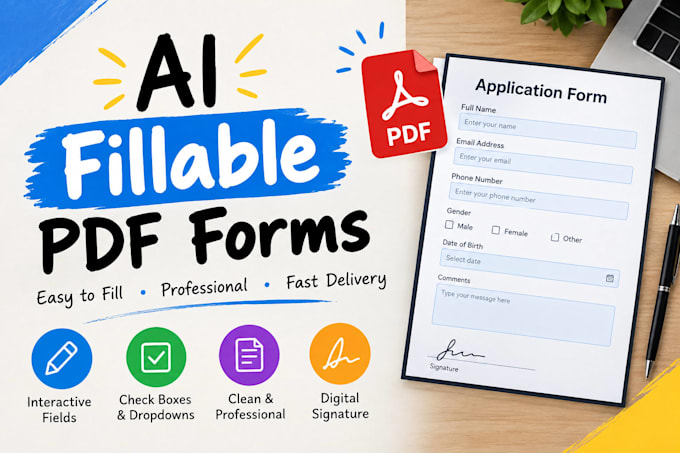
Need a professional, easy to use fillable form? I'm here to help!
I will create and design custom interactive forms for individuals, businesses, and organizations.
My services include:
I focus on clean layouts, accuracy, and attention to detail to deliver a form tailored to your needs.
Whether you need an application, registration form, client intake form, questionnaire, or business document, I'll help you turn your ideas into a well organized, user friendly form.
Why choose my service?
Please message me before ordering if your project has special requirements.
Let's turn your document into a professional, interactive form!


_aofn7c.jpg)
Convert from:
Convert to:
What do you need from me to create a fillable PDF form?
Please provide your existing PDF, Word document, or the details of the form you want me to create. You can also share your preferred layout, branding, logo, and required fields.
Can you convert my existing PDF into a fillable PDF?
Yes! I can help convert your existing PDF into an interactive form with fillable text fields, checkboxes, and other supported form fields, depending on your package.
What types of fillable PDF forms can you create?
I can create registration forms, application forms, client intake forms, questionnaires, feedback forms, business forms, and other custom PDF forms.
Can you design a fillable PDF form from scratch?
Yes! I can create a new form based on your requirements, with organized text, a clean layout, and suitable formatting to make it professional and easy to use.
Will my fillable PDF work on different devices?
I will create and test the interactive fields using compatible PDF software where possible. However, some PDF viewers and mobile devices may support certain features differently, so I recommend testing the final document in your preferred PDF reader.