Browse categories
Explore
Fiverr Pro
English
$
USD
OBS Streaming Expert, Motion Graphics Designer, Video Producer and IT Specialist
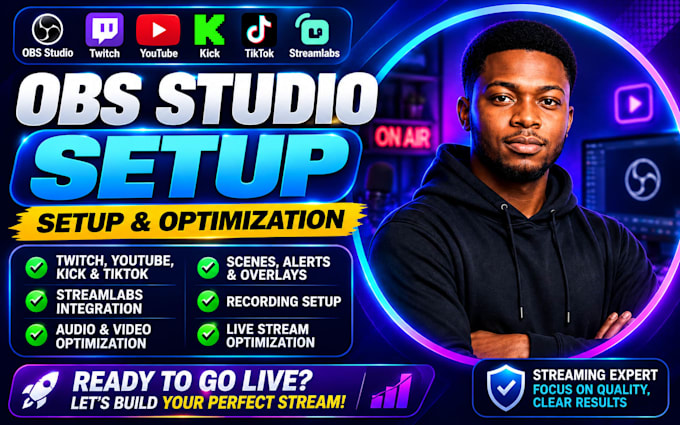
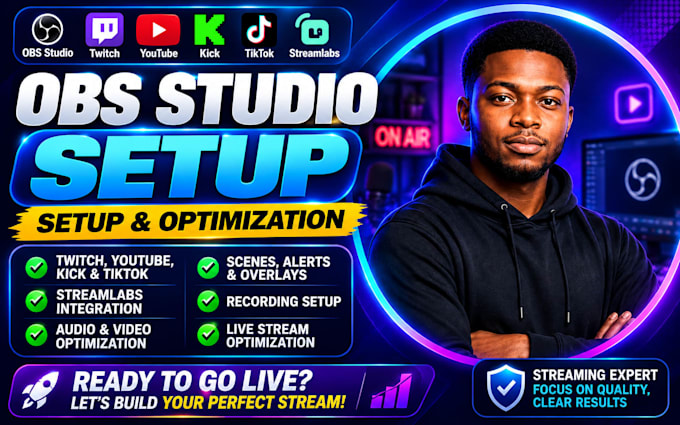
Tired of blurry streams, audio issues, lag, or confusing OBS settings? Get an optimized OBS Studio setup that delivers smooth live streaming and high-quality recording from day one.
Whether you're streaming on Twitch, YouTube, Kick, Facebook Live, or TikTok, every setting is tailored to your PC, internet speed, and streaming goals for maximum performance and reliability.
Your setup can include:
Enjoy sharper video, clearer audio, fewer dropped frames, and a professional streaming experience without spending hours testing settings yourself.
Perfect for gamers, content creators, podcaster, coaches, businesses, and anyone ready to stream with confidence.
Message me before ordering to discuss your setup and receive the best solution for your streaming needs.
obs setup, obs studio setup, streaming setup, live streaming, streamlabs, obs studio, rodecaster setup, streaming audio, obs setup, goxlr setup
Software:
OBS Studio
Purpose:
Gaming
•
Music
•
Lifestyle
•
Business
•
News
•
Streamshare
•
Webinar
Can you setup OBS Studio for Twitch, YouTube, Kick, Facebook Live, or TikTok?
Yes. Your OBS Studio setup can be configured for Twitch, YouTube, Kick, Facebook Live, TikTok, and other streaming platforms. Every OBS setup is customized for your streaming platform, PC specifications, and internet speed.
What is included in your OBS Studio setup service?
Your OBS Studio setup may include scene creation, audio optimization, webcam configuration, Streamlabs integration, bitrate optimization, encoder settings, recording setup, overlays, alerts, browser sources, and complete live streaming optimization.
Can you fix OBS Studio issues instead of creating a new setup?
Yes. If you're experiencing OBS Studio problems such as lag, dropped frames, audio delay, encoder errors, black screen issues, or poor stream quality, your existing OBS Studio setup can be diagnosed, optimized, and fixed.
Do you setup Streamlabs together with OBS Studio?
Absolutely. If your workflow requires Streamlabs, it can be integrated and optimized alongside OBS Studio for professional live streaming and high-quality recording.
Will my OBS Studio settings be optimized for my computer?
Yes. Every OBS Studio setup is tailored to your processor, graphics card, RAM, internet upload speed, and streaming goals to deliver the best balance of quality and performance.
What information do you need before starting my OBS Studio setup?
You'll only need to provide details about your PC specifications, streaming platform, internet speed, camera, microphone, and the type of content you plan to stream or record. This ensures your OBS Studio setup is fully optimized for your needs.