Browse categories
English
$
USD
Connect to your AI
Fast, Secure & Professional Remote PC Repair & Optimization
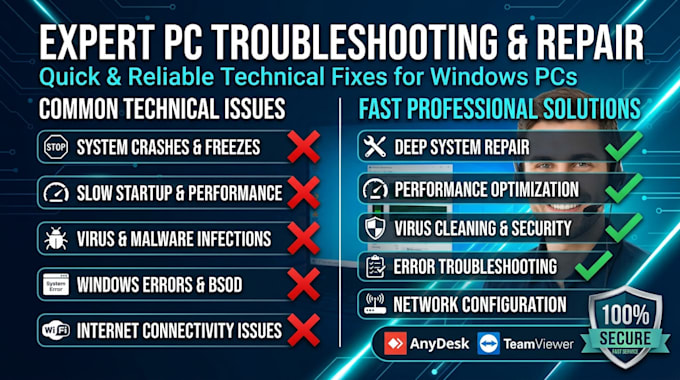
Is your computer running slow, crashing, or infected with malware? Don't stress. I provide expert remote technical support to fix your Windows PC issues quickly and securely, without you having to leave home.
️ Services I Offer:
Why Choose My Service?
IMPORTANT: Please



Device:
Desktop
•
Laptop
Operating system:
Windows
How does the remote technical support session work?
We will connect using secure remote desktop software like AnyDesk or TeamViewer. You just need to download the program, give me the access ID/passcode, and I will perform the necessary repairs or optimizations while you watch the process on your screen.
Is remote access safe and private?
Absolutely. You remain in full control during the entire session. You can see everything I do on your screen in real time and you can terminate the connection at any moment with a single click. I will never open your personal files or photos.
What happens if my issue cannot be fixed remotely?
That’s why I ask all clients to contact me before placing an order. I will evaluate your PC’s symptoms first. If the issue is hardware-related (e.g., dead RAM, failing hard drive) and cannot be fixed remotely, I will let you know upfront so you don't waste time or money.
Can you fix a computer that won't turn on or has no internet?
No. Remote support requires your PC to power on, boot into Windows/macOS, and have an active internet connection. If you cannot get online, please contact me from another device to guide you through basic troubleshooting first.
Do I need to be in front of the computer during the entire process?
You only need to be present at the beginning to grant me remote access. Once connected, you can step away while I work. However, I might message you if a system restart is required or any other actions that need your attention or your hands on it.
Do you only comunicate on english?
No. I am a native Spanish speaker, so I can communicate with you in Spanish without any issues.