Browse categories
Explore
Fiverr Pro
English
$
USD
Are you struggling to make sense of your data? I will turn your raw data into clear, professional insights you can actually use.
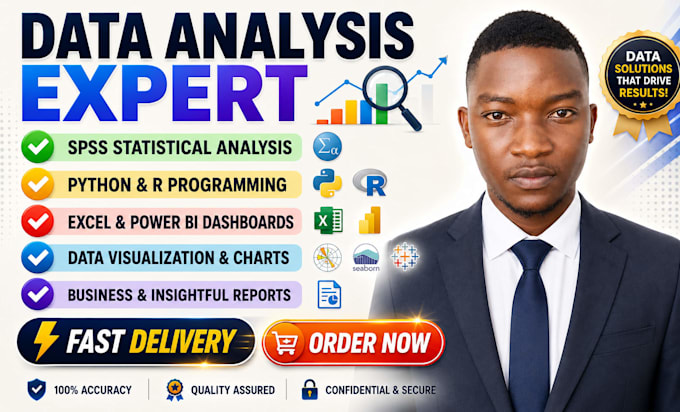
I specialize in data analysis using Python, SPSS, Microsoft Excel, and Power BI, with expertise in statistics, data visualization, data interpretation, and machine learning.
What I offer:
Tools I use:
Python | SPSS | Microsoft Excel | Power BI | R Studio | Stata | Jupyter Notebook | Google Sheets
Ideal for: Researchers, startups, and business analysts needing fast, accurate data interpretation.
Message me before ordering so I can confirm your dataset and deliver exactly what you need.
Let's turn your numbers into decisions.

What information do you need to get started?
Please share your dataset (Excel, CSV, SPSS file), your research questions or goals, and any specific analysis you need (regression, descriptive statistics, data visualization, etc.). The clearer you are, the faster I deliver.
Can you help with academic research and thesis data?
Yes. I handle survey data, questionnaire analysis, biostatistics, medical data, and SPSS reports for students and researchers. I also provide written data interpretation you can include in your thesis.
Do you work with large datasets?
Yes. The Premium package handles unlimited rows using Python (pandas) or R Studio. For big data or machine learning tasks, message me first so I can assess the scope.
What file formats do you deliver?
I deliver in Excel (.xlsx), PDF report, Python notebook (.ipynb), SPSS output (.spv), or Power BI file (.pbix) — whichever suits your needs. Always ask and I'll confirm before starting.
