Browse categories
English
$
USD
Connect to your AI
Launching your app or website with hidden bugs, broken links, and usability issues is the fastest way to lose users and money before you even get started.
Every broken button, slow loading page, failed form, and confusing navigation flow is a real user leaving and never coming back. You need a professional website testing and app testing expert who catches every issue before your real users do.
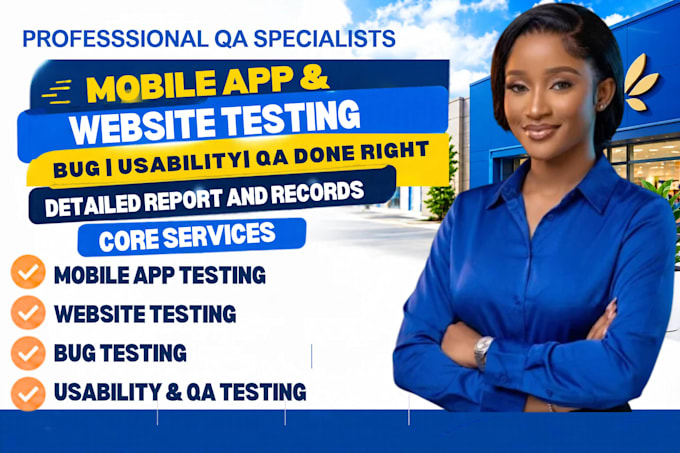
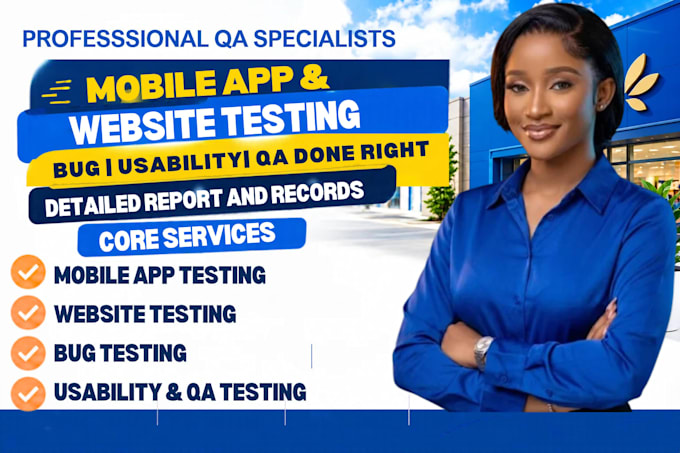
As your dedicated QA and usability testing specialist I test your website, mobile app, iOS app, Android app, and web application delivering a clear detailed bug report with screenshots and screen recordings showing exactly what is broken and how to fix it.
What I test and deliver:
Stop launching with bugs. Message me now.



What types of websites and apps do you test?
I test all types — ecommerce websites, SaaS platforms, landing pages, mobile apps on iOS and Android, iPad apps, web applications, and startup MVPs. Whether you need website testing, app testing, usability testing, or full QA testing I cover every platform and device type in one service.
What does your bug report include after testing?
Every bug report includes a numbered list of all issues found, exact location of each bug, severity rating, screenshots of every problem, and clear instructions your developer can action immediately. Premium package also includes screen recordings showing bugs happening in real time during testing.
Do you test on real devices or just simulators?
test on real devices and real browsers — Chrome, Firefox, Safari, and Edge for cross browser website testing, plus real Android and iOS devices for app testing. Simulator results miss real world bugs. Your website testing and app testing results reflect exactly what real users experience.
Can you test my app before I submit it to the App Store or Google Play?
Yes. Pre-launch app testing is one of the most valuable things you can do before submitting to the App Store or Google Play. I catch usability issues, UI bugs, broken features, and performance problems that cause app rejection or bad reviews — saving you time and resubmission fees.
What is the difference between usability testing and QA testing?
QA testing finds technical bugs — broken buttons, failed forms, errors, and crashes. Usability testing finds user experience problems — confusing navigation, unclear calls to action, and flows that cause users to drop off. My packages combine both so your website and app passes every standard before
What do I need to share to get my website or app testing started?
Three things — your website URL or app download link or APK file, a list of specific features or pages you want tested, and your target device and browser if you have a preference. The more context you give me about your app or website the more thorough and targeted your testing report will be.