Browse categories
English
$
USD
Connect to your AI




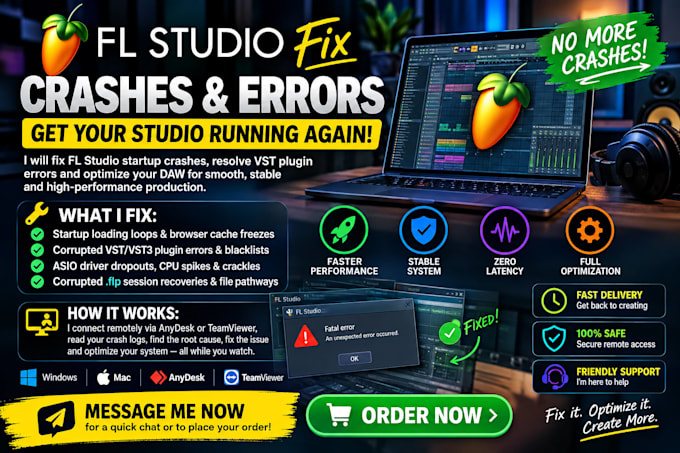
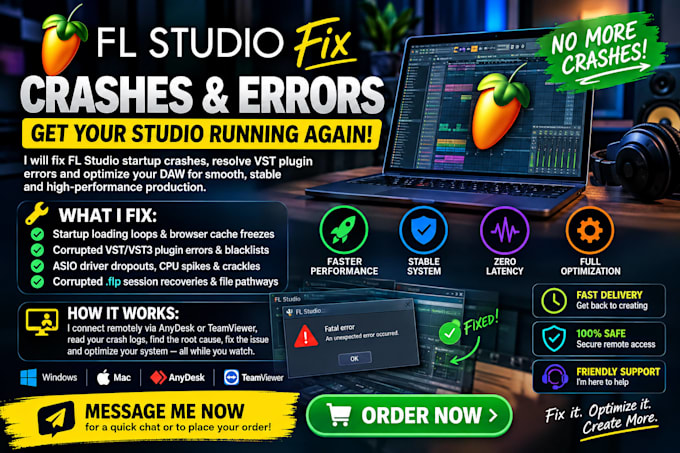
Is FL Studio freezing at the splash screen, crashing on "initialize midi," or throwing fatal error codes after the latest update? Don't lose your project data. As a professional DAW Optimization Specialist, I resolve critical software conflicts, corrupted plugin registry errors, and audio interface mismatches remotely and securely.
What I Fix:
How It Works:
We connect safely via TeamViewer or AnyDesk. You sit back and watch while I read your crash logs, isolate the offending background process or plugin, fix the root database issue, and calibrate your system for lightning-fast, zero-latency performance.
Stop wasting creative hours wrestling with system glitches. Let an expert configure your environment properly so you can get back to producing music. Click the order button now to revive your studio today!
Music Rights Catalog Support
Languages
Is it safe to let you connect to my computer remotely?
1. • Yes, 100%. We use AnyDesk or TeamViewer, which use high-grade security encryption. You can see everything I do on your screen in real time, and you can close the connection instantly at any moment.
What happens if you cannot fix my FL Studio issue?
If your problem is caused by a hardware failure or unresolvable system corruption and cannot be fixed, you will receive a 100% full refund immediately.
Will I lose my projects or settings when you fix the crash?
No. Before I change anything, I back up your .flp project files, plugin database, and FL Studio settings. Your work stays untouched, and I can restore everything if needed.
Do you support both Windows and Mac, and which FL Studio versions?
Yes, I work on both Windows and macOS. I support FL Studio 12 and newer, including the latest version. Please share your exact version in the order requirements so I can prepare in advance.
Can you fix problems with specific plugins like Serum, Kontakt, or Omnisphere?
Yes. I troubleshoot crashes and scan errors with most major VST and VST3 plugins, including Serum, Kontakt, Omnisphere, and Sylenth1. Licensing or authorization issues with the plugin itself may need support from the plugin developer, and I’ll tell you if that’s the case.
How long does the remote session take, and do I need to be there the whole time?
Most sessions take 30 to 90 minutes. Please stay online at the start so we can connect, and for any restarts or permission prompts. After that you can watch or step away, and I’ll message you when I’m done.