Browse categories
English
$
USD
Connect to your AI
Hello, Brevo WhatsApp users!
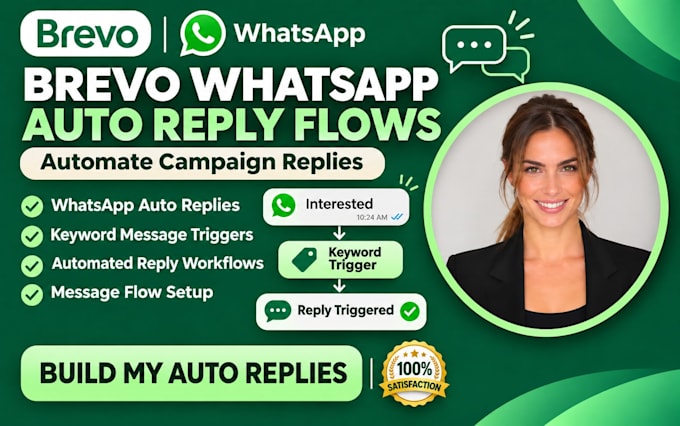
Customers reply to your WhatsApp campaigns with PRICE, YES, or a button tap, but no follow-up reaches them. Sorting every response by hand delays answers and leaves interested contacts waiting for your next step.
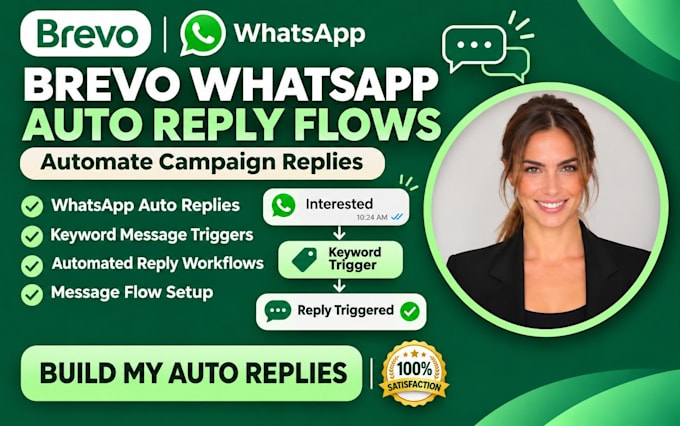
I'll build Brevo WhatsApp automation around supported campaign replies. I'll set reply-received triggers, filter keywords or button choices, and connect approved templates to the right follow-up. I'll review entry conditions and test each response path before activation.
WHAT I OFFER
WHY CHOOSE ME?
I focus on accurate triggers, clear communication and careful testing. These Brevo features require a Professional or Enterprise plan, a connected WhatsApp Business account and Meta-approved templates.
Message me your campaign, expected replies and preferred follow-ups. I'll help map a practical Brevo workflow before you order
Brevo Automation, WooCommerce Sync, Email Authentication specialist
Languages
Can you set up automatic replies to customers who respond to my WhatsApp campaigns?
Yes. I'll configure supported WhatsApp reply-received triggers in Brevo so customers receive relevant follow-up messages based on their campaign interactions. This is designed for supported campaign replies, not unrestricted chatbot conversations
Can you create WhatsApp auto replies based on specific keywords?
Absolutely. I can configure keyword filters for responses such as "PRICE," "BOOK," "YES," or "INFO." When a contact replies with a matching keyword, the workflow can send an appropriate approved WhatsApp template
Can you automate replies when customers click WhatsApp campaign buttons?
Yes. Brevo supports filtering WhatsApp campaign replies using specific button interactions. I can configure supported button-based conditions and link them to the relevant follow-up workflows
What Brevo subscription do I need for WhatsApp reply automation?
You'll need a Professional or Enterprise plan for WhatsApp reply-received triggers and automated WhatsApp sending actions. You also need a connected WhatsApp Business account and sufficient messaging credits
Do I need approved WhatsApp templates before automation can work?
Yes. Meta must approve your WhatsApp message templates before they can be used in Brevo automations. I can help configure approved templates, but approval decisions and review times are controlled by Meta
Can you test my WhatsApp automation before activating it?
Yes. I'll review the triggers, conditions, selected templates, and response paths. Where the account permits, I'll use controlled campaign interactions to verify the automation before activation
What access and information do you need to set up my WhatsApp automation?
I'll need authorized Brevo access, your subscription details, connected WhatsApp Business account, campaign information, approved templates, trigger keywords, button details, and desired replies. These help me configure workflows around your customer communication needs