Browse categories
Explore
Fiverr Pro
English
$
USD
CRM Expert Gohighlevel Hubspot Salesforce Zoho Pipedrive
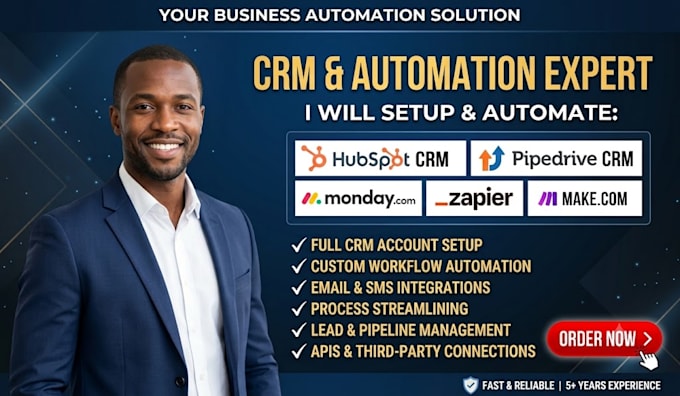
Leaking leads, missed follow ups, and CRM data scattered across tools do not just slow you down, they cost you revenue every day. Most businesses invest in HubSpot, Pipedrive, Monday CRM, and GoHighLevel but never unlock their full potential.
That is where I come in. I build clean CRM systems that capture leads automatically, move deals through your pipeline, and keep your team working from one source of truth.
WHAT I OFFER:
TOOLS AND STACKS:
Broken systems cost you leads every day. Message me let us build a CRM that runs on autopilot.

Software:
HubSpot
Industry:
Business services & consulting
•
Legal
•
Real estate
Do you work with HubSpot, Pipedrive, and Monday CRM together?
Yes, I set up and connect HubSpot, Pipedrive, and Monday CRM so they share the same lead and deal data at all times. I use Zapier or Make com to sync contacts, deals, and updates across all three in real time without manual copying, duplicate records, or missed follow ups.
Can you migrate my data from another CRM?
Yes, I handle full CRM to CRM data migration including contacts, deals, tags, notes, and pipeline stages. I clean duplicate records before migration and test everything after the move so your data stays accurate and complete, with nothing lost during the switch.
What is the difference between Zapier and Make com automation?
Zapier is simpler and faster to set up for basic triggers, while Make com handles more complex, multi step workflows at a lower monthly cost. I review your full CRM setup first and recommend the best option for your budget and workflow before we begin any real work.
Do I need to give you access to my CRM account?
Yes, I need admin or collaborator access to your CRM, Zapier, or Make com account to complete the setup properly and test it. I never ask for billing details or passwords outside the official platform, and access can be fully removed once the project is delivered.
Can you fix a CRM automation that is already broken?
Yes, I troubleshoot broken Zaps, failed Make com scenarios, and CRM workflows that suddenly stopped working correctly for no clear reason. I test the full automation again after the fix and send you a short summary of what caused the issue so it does not return.
Do you provide support after the CRM setup is delivered?
Yes, every package includes revisions based on your selected plan, and the premium package adds extra post delivery support for larger builds. If any automation breaks shortly after delivery, simply message me and I will review and fix it within that support window.
