Browse categories
English
$
USD
Connect to your AI
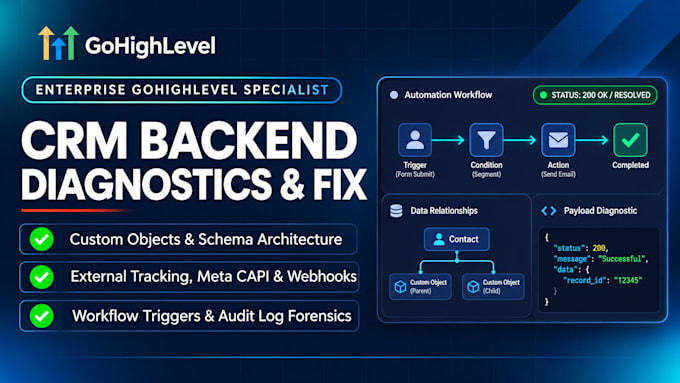
GoHighLevel Systems Architect, Enterprise CRM and Tracking Diagnostics
Red error badges in your GoHighLevel execution logs and unexplained failures in your Audit Logs mean your business is dropping data silently. Whether it's an API sync failure, user permission conflict, webhook rejection, or broken automation step, I dive into the backend logs to trace and fix the failure.
Errors I Investigate & Solve:
My Diagnostic Approach:
Stop silent CRM data loss. Place your order to fix your backend errors today.

Device:
Desktop
•
Laptop
•
Server
•
Mobile
•
Tablet
Operating system:
Windows
•
Linux
•
IOS
•
Android
•
Ubuntu
What are GoHighLevel Audit Logs?
Audit Logs record system-level operations, security changes, user updates, and data modifications across your sub-account. They pinpoint exactly why, when, and where a specific failure occurred.
How do you fix an error showing "Action Execution Failed" in workflows?
I examine the workflow execution history to see which payload parameter was rejected (e.g., missing phone format, invalid dynamic field, or permissions block) and correct the upstream action.
Can you fix API errors coming from external apps like Zapier or Make?
Yes. I review the request/response payloads in your audit logs and third-party tools to resolve data type mismatches, expired tokens, or invalid endpoints.
Can you tell who deleted or changed data in my CRM?
Yes. Audit logs track user actions along with IP addresses and timestamps. I can isolate historical events to identify when and how data modifications occurred.
Will fixing these errors require downtime for my CRM?
No. Audits and configuration updates are performed live without interrupting your current lead flow or ongoing campaigns.
What do I need to supply for this investigation?
Administrative access to the GoHighLevel sub-account, timestamps or screenshots of the errors you are seeing, and the IDs of any affected contacts or workflows.
