Browse categories
Explore
Fiverr Pro
English
$
USD
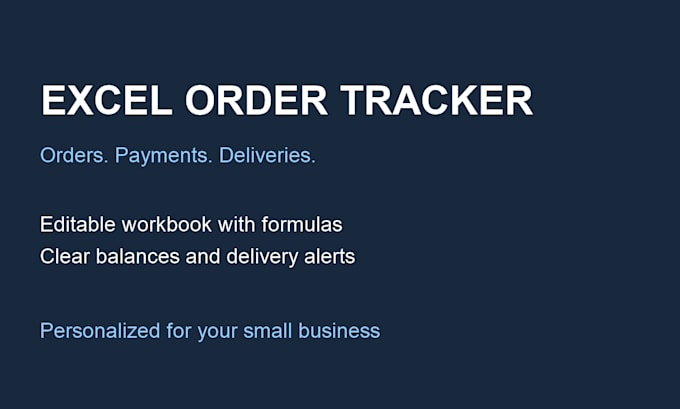
Keep your orders, payments and delivery deadlines in one editable Excel workbook.
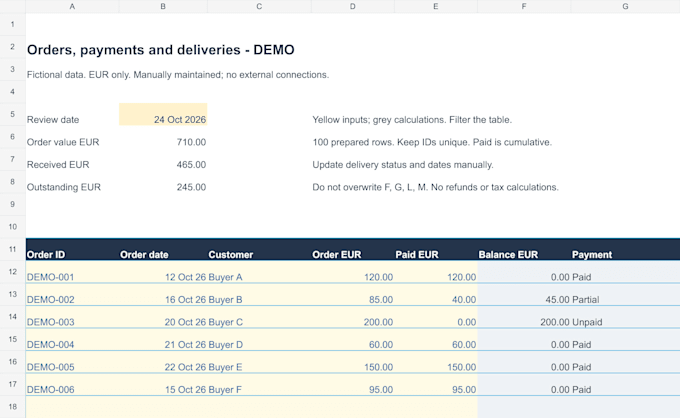
I build a practical tracker around your agreed columns and calculation rules. Features can include outstanding balances, payment status, delivery dates, dropdowns, overdue alerts and a summary.
You receive an editable .xlsx file, fictional sample data and brief instructions. Gallery examples are demonstrations, not client projects. A calculation rule means one distinct formula logic repeated down the agreed rows.
Basic: 1 sheet, 100 prepared rows, 3 calculation rules.
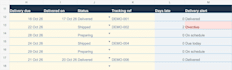
Standard: 1 sheet, 300 rows, 6 rules, dropdowns and delivery alerts.
Premium: up to 3 sheets, 500 rows, 10 rules, summary and one chart.
Data is entered and updated manually. Macros, live shop or carrier connections, bank feeds and tax calculations are not included. Data migration is quoted separately. One business and currency per workbook.
Please send your required columns, calculation rules, Excel version and an anonymized sample. Written communication only. AI assistance may be used; formulas and results are reviewed.

Platform:
Excel
Development technology:
Excel
Expertise:
Formatting
•
Formulas
•
Data validation
What do I receive and which Excel version is supported?
You receive an editable .xlsx workbook, fictional sample data and brief instructions. Please tell me your Excel version and operating system before ordering so we can agree compatible features. One business and one currency per workbook.
Does it connect to my store, bank or delivery carrier?
No. Orders, payments and delivery details are entered and updated manually. Live connections, bank feeds, automated emails and VBA/macros are not included. Tracking references are stored for your own records.
What counts as a formula or a revision?
A formula means one distinct calculation rule repeated across rows where needed. Revisions cover changes within the agreed brief: 1 round for Basic, 2 for Standard and Premium. New sheets, rules or data migration need a separate quote. Errors in delivered formulas are corrected at no extra charge.