Browse categories
Explore
Fiverr Pro
English
$
USD
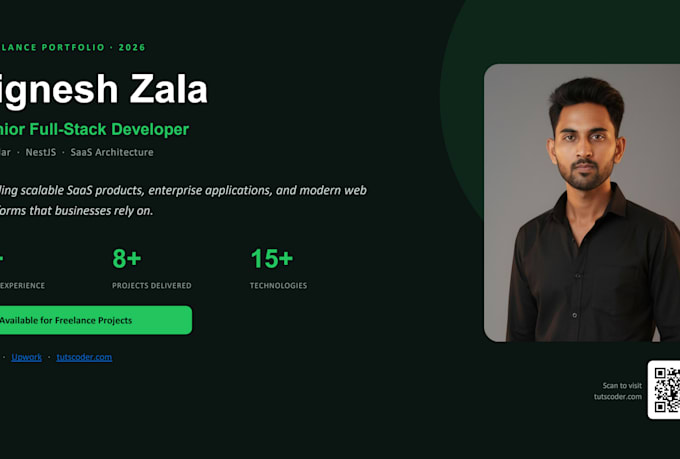
Full Stack Engineer, Angular and NestJS, SaaS and API Specialist
Your app is built. Now it needs to be live whether you are on Hostinger, DigitalOcean, Linode, or AWS EC2. I deploy it correctly on any Ubuntu-based VPS or AWS instance.
I am a full-stack developer with 8+ years of experience deploying Angular and NestJS applications to VPS servers and AWS EC2. I configure Nginx, PM2, Let's Encrypt SSL, and GitHub Actions pipelines on any provider you use including Hostinger, where I have deployed production SaaS systems myself.
What I configure:
- VPS or AWS EC2 setup (Hostinger, DigitalOcean, Linode, Vultr, or AWS)
- Nginx reverse proxy configured correctly for Angular SSR or NestJS
- SSL via Let's Encrypt with automatic renewal
- PM2 process manager with auto-restart and cluster mode
- GitHub Actions pipeline push to main, app deploys automatically
- Staging and production environments with branch-based deployment
Message me before ordering. Tell me your VPS provider and stack and I will confirm the setup plan in 4 hours.


Cloud provider:
Amazon Web Services
Expertise:
Installation
•
Migration
•
Development
•
Configuration
•
Other
Cloud computing resource:
EC2
•
Lambda
•
Route53
•
MongoDB
•
RDS
Which VPS providers do you support?
I support all Ubuntu-based VPS providers including Hostinger (where I have active production deployments), DigitalOcean, Linode, Vultr, Contabo, and any server you already have SSH access to. I also deploy to AWS EC2 for buyers who need the AWS ecosystem. If you are not sure which provider to use, m
What is the difference between deploying Angular SSR and a regular Angular app?
A standard Angular build (ng build) produces static HTML, CSS, and JS files that Nginx serves directly. Angular SSR (server-side rendering) requires a running Node.js process — your server.ts file must stay alive, and Nginx must proxy_pass requests to it. Most cloud setup sellers miss this and serve
Will you have access to my server after the project is complete?
Only during the deployment window. After delivery, I provide you with a full deployment documentation PDF including all server commands, environment variable locations, PM2 commands, and Nginx reload instructions. You can revoke my SSH key access immediately after delivery — I will show you how.
What happens if the server goes down after delivery?
The 7-day post-delivery support window covers issues directly related to the deployment setup. For ongoing monitoring and support, add the 30-day support extra or message me about a monthly retainer. I can also set up PM2's built-in auto-restart and email alerts so the server recovers automatically