Browse categories
English
$
USD
Connect to your AI
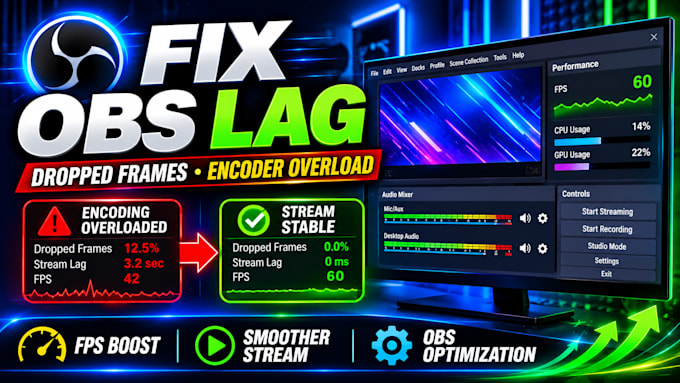
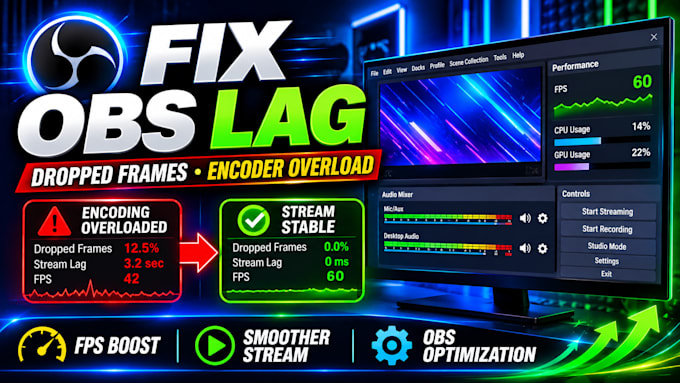
Is your stream lagging, freezing, or dropping frames? Are audio problems making your broadcasts frustrating?
A poor streaming setup can affect your viewers' experience and make it harder to grow your channel. Let's fix those technical problems so you can focus on creating content and connecting with your audience.
Here's how I can help:
Whether you're a beginner or an experienced streamer, I'll help make your setup easier and more reliable for Twitch, YouTube, Kick, or TikTok.
Don't let technical problems interrupt your streams. Contact me today, tell me what's wrong, and let's get your broadcast running smoothly!
Software:
OBS Studio
Platform:
•
Twitch
•
YouTube
•
Kick
Purpose:
Gaming
•
Music
•
Lifestyle
•
Business
•
News
•
Streamshare
•
Webinar
How do you fix OBS stream lag and dropped frames?
I'll check your OBS log files to identify what's causing the problem. Then, I'll adjust your streaming settings, bitrate, and encoder to help reduce lag and dropped frames based on your PC and internet connection.
Can you fix microphone problems and audio delays?
Yes! I'll help fix microphone delays, background noise, echoes, and audio-sync problems. I can also configure VST audio filters in OBS Studio or Streamlabs to give your voice a cleaner, clearer sound.
Do I need an expensive PC to fix OBS encoding overload?
No! Many encoding overload issues happen because of incorrect settings. I'll optimize your OBS configuration to reduce unnecessary CPU and GPU usage while maintaining the best possible stream quality for your hardware.
Is it safe to let you access my PC remotely?
Yes! I can use TeamViewer or AnyDesk to configure your streaming software remotely. You'll see the changes on your screen, remain in control of your computer, and can end the remote session whenever you wish.
Which streaming platforms and software do you support?
I work with OBS Studio and Streamlabs Desktop for streaming on Twitch, YouTube, Kick, TikTok, and Facebook Gaming. If you're unsure whether your setup is supported, feel free to contact me before ordering.