Browse categories
English
$
USD
Connect to your AI
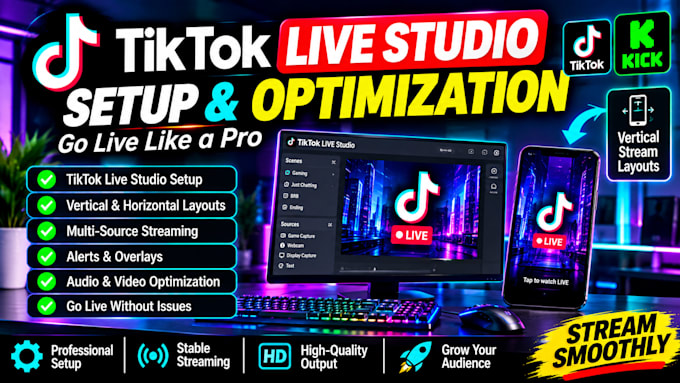
Having trouble fitting your widescreen gameplay into a professional vertical layout for TikTok Live or YouTube Shorts?
Running multiple streaming apps can cause lag, dropped frames, and poor stream quality. I'll help you create a clean vertical or multi-platform streaming setup that looks great while keeping your PC performance in mind.
Here's what I'll help you set up:
Important: Please contact me before ordering. Share your target platforms, PC specifications, and current setup so I can recommend the right configuration.
Let's make your streams look professional across every platform!
Software:
OBS Studio
Platform:
•
Twitch
•
YouTube
•
Kick
Purpose:
Gaming
•
Music
•
Lifestyle
•
Business
•
News
•
Streamshare
•
Webinar
Can I stream horizontally on Twitch or YouTube and vertically on TikTok at the same time?
Yes! I can configure OBS Studio with tools like Aitum Vertical to send a 16:9 widescreen stream to Twitch or YouTube while broadcasting a separate 9:16 vertical layout to TikTok Live or other supported platforms
Do I need a TikTok stream key, or can you use TikTok Live Studio?
Both options are possible. If you don't have a TikTok stream key, I can help configure TikTok Live Studio. If you have a stream key or supported multi-streaming access, I can integrate your setup through OBS.
Will running vertical scenes and multiple streams slow down my PC?
I will optimize your encoder, resolution, bitrate, and output settings to help reduce system load, lag, and dropped frames. Results depend on your PC hardware and internet connection.
How will you access my PC to configure everything?
I use TeamViewer or AnyDesk for remote setup. You can watch the configuration process on your screen, and we'll test your scenes and stream output together before completion.