Browse categories
Explore
Fiverr Pro
English
$
USD
App Testing
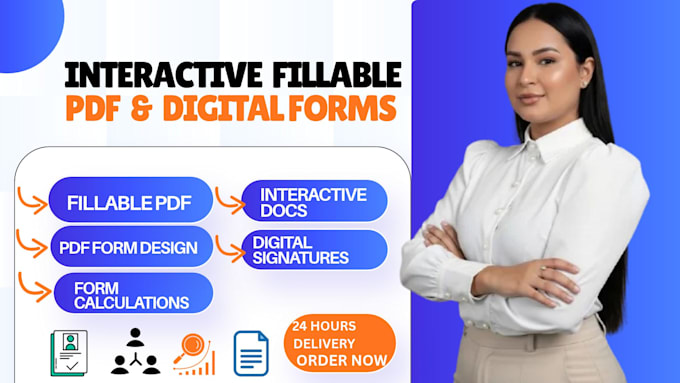
Welcome to my professional form creation service!
Are you still using messy Word documents, static files, or paper sheets that clients cannot easily fill out on their digital devices? I will transform your documents into sleek, professional, fully interactive, and user-friendly forms that work seamlessly on computers, tablets, and mobile phones.
What I Can Convert & Redesign:
Key Interactive Features I Can Add:
Why Choose Me?
Please send me your existing file & instructions via message before placing your order if you have a complex layout



Convert from:
Convert to:
What file formats do you need from me to get started?
You can send me your content in a Microsoft Word document, Excel sheet, scanned image, text file, or an old PDF. I will use it as the blueprint to rebuild a clean, interactive version.
Will the fillable PDF work on phones and tablets?
Yes! All the forms I create are fully compatible with Adobe Acrobat Reader, desktop web browsers, and mobile PDF viewing apps on iOS and Android devices.
Can you add automatic calculation formulas for my invoices or order forms?
Answer: Absolutely. For Standard and Premium packages (or as an add-on), I can set up formulas that automatically sum up totals, quantities, taxes, and discounts as the user types.
Can you convert my scanned handwriting or a photo of a paper form into a digital fillable PDF?
Yes, absolutely! Just upload a clear photo or scan of your paper form, and I will accurately transcribe and rebuild it into a clean, modern, interactive digital document.
Can users sign the PDF electronically from their mobile phones or computers?
Yes. I integrate secure digital signature fields into your form so clients, customers, or employees can easily sign using a mouse, touchscreen, or saved digital signature.
Will my form look professional and match my company branding?
Definitely. I will use your brand colors, fonts, and company logo to ensure the form looks polished, professional, and consistent with your business identity.
Can you lock or secure the form so users cannot change the original layout or questions?
Yes. Upon request, I can secure and flatten the background design elements so that users can only type into the designated fillable fields without accidentally altering your form's template or layout.
What software do my clients need to fill out the form?
Your clients only need a standard, free PDF reader like Adobe Acrobat Reader, or they can fill it out directly inside most web browsers (Chrome, Safari, Edge) on any device. No paid software is required for them!
What if I need more pages than what is listed in your standard packages?
No problem at all! You can either order the package and add extra pages through the Gig extras, or you can message me directly with your file for a custom offer tailored to your exact page count.
Do you offer revisions if I need to change a question or field later?
Yes, I want your form to work perfectly for your workflow. I include generous revisions with every package to ensure all fields, layouts, and calculations function exactly the way you need them to.