Browse categories
Explore
Fiverr Pro
English
$
USD



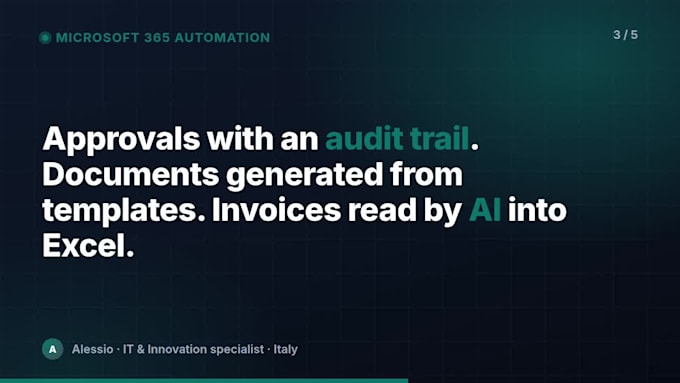
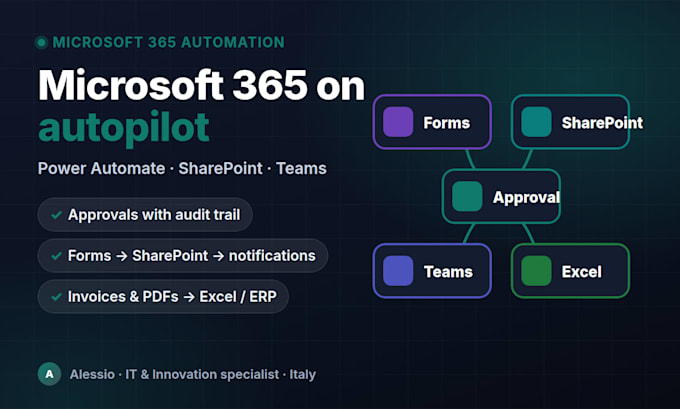
Get rid of manual work in Microsoft 365. I build Power Automate cloud flows that connect SharePoint, Teams, Outlook, Forms, Excel, Planner and Dataverse, with AI Builder or OpenAI where it adds real value.
Typical flows I deliver:
What you get:
I do this every day as IT & Innovation specialist for a professional services firm in Italy (100+ Microsoft 365 users), so I know the licensing limits and governance issues before you hit them. English and Italian.
Message me with your process before ordering: fixed quote within a few hours.
AI Automation and Microsoft 365 Expert: n8n, Power Automate, Chatbots
Languages
Do I need a premium Power Automate license?
Most flows work with the licenses included in Microsoft 365 Business and Enterprise plans. Premium connectors (HTTP, Dataverse, AI Builder, SQL) need a Power Automate Premium plan; I tell you upfront.
How do you access my tenant?
Preferably a guest or temporary account with the minimum permissions, or a screen-sharing session where you run the steps. Alternatively I build in my environment and export the solution.
Can you fix an existing flow?
Yes: broken or throttled flows, missing error handling, flows that time out, and migrations from SharePoint Designer or classic workflows.
Can you add AI to the flow?
Yes: AI Builder (document processing, GPT prompts) or OpenAI/Azure OpenAI through HTTP actions for extraction, classification and drafting, with a human approval step where needed.
Do you also build Power Apps or Power BI?
Light Power Apps forms connected to the flow, yes (see extras). Complex apps and Power BI reports are quoted separately.
What happens after delivery?
14 days of free support are included. Monthly monitoring and maintenance is available as an extra.