Browse categories
Explore
Fiverr Pro
English
$
USD
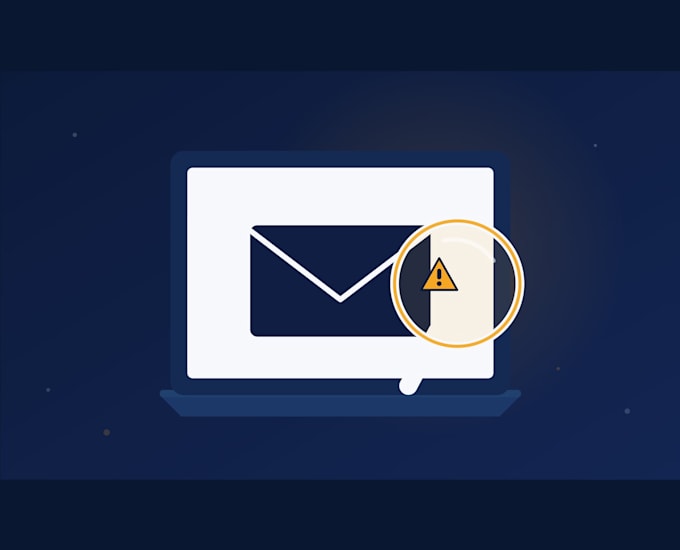
Got a weird email, text, or link and something feels off? Don't click it, send it to me first.
I'm Bertil, a CISSP and OSCP certified security professional. Analyzing phishing attempts and scam attacks is part of my actual day job, not something I picked up from a YouTube tutorial.
What I'll check:
What you'll get:
Who this is for:
Anyone who received something suspicious and wants a real answer fast, before it costs them money or their credentials. Also useful for small business owners checking a "vendor" invoice or "CEO" request that feels off.
Just send me a screenshot, forward the email, or paste the link. No judgment, better to check than get caught out.

Device:
Desktop
•
Laptop
•
Server
•
Mobile
•
Router
Operating system:
Windows
•
Linux
•
Unix
•
OSX
•
Ubuntu
Do I need to forward the actual email, or is a screenshot enough?
A screenshot works for a quick read, but forwarding the actual email (or sharing the raw headers) lets me check technical details a screenshot can't show, like sender authentication.
What if it turns out I already clicked the link or entered information?
Tell me right away so I can advise on next steps. This gig covers the analysis; if you need broader incident help I can point you to my other services.
Can you check business email compromise (BEC) attempts?
Yes, this is actually one of the most common things I check, especially fake invoice or "urgent wire transfer" requests.
