Browse categories
Explore
Fiverr Pro
English
$
USD

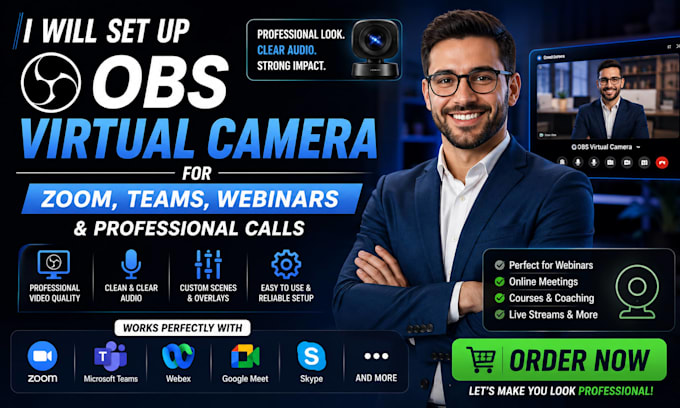
Your default webcam is fine, but with OBS Virtual Camera, your Zoom, Teams, and online meetings can look professional and studio-quality.
I will set up OBS Virtual Camera for video calls, webinars, and meetings so you can use custom scenes, branding, and overlays directly in Zoom, Microsoft Teams, Google Meet, or any webinar platform.
What you get:
What I need:
Message me before ordering to confirm compatibility.
AI automation specialist Chatbots, Zapier, Make, Custom GPT
Languages
What is OBS Virtual Camera?
It allows you to use OBS scenes as your webcam in Zoom, Teams, Google Meet, and other platforms.
Which platforms do you support?
Zoom, Microsoft Teams, Google Meet, and most webinar or video call platforms.
Can you add branding to my video calls?
Yes, I can add logos, lower thirds, and professional scenes.
Do I need a green screen?
No, but it can improve background quality. It’s optional.
Will you test everything?
Yes, I test the setup to ensure it works properly on your chosen platform.
Do I get instructions?
Yes, a simple usage guide is included so you can manage it easily.
