Browse categories
Explore
Fiverr Pro
English
$
USD
Precision Audio Solutions For Professional Streamers
Get your GOXLR and OBS audio working as a clean, reliable streaming system not just a collection of disconnected settings.
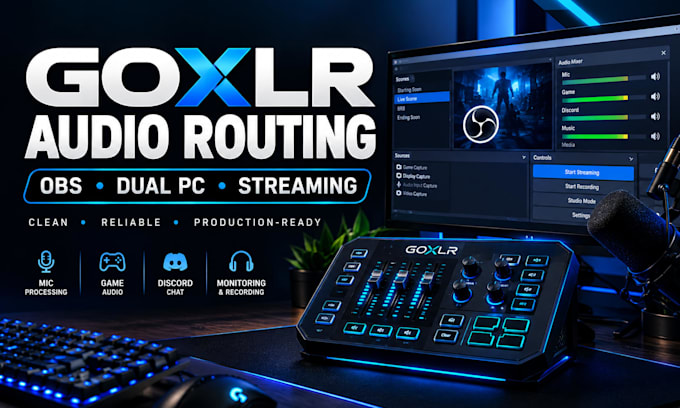
I'll engineer your GOXLR audio routing for OBS streaming, including microphone processing, game audio, Discord/voice chat, monitoring, desktop audio, and stream/recording channels.
Whether you're building a single-PC setup or a dual-PC streaming workflow, I'll configure and fine-tune your audio chain for clear, balanced, professional sound.
I can help with:
The goal is a stable, production-ready workflow that makes your streaming audio easier to manage and more reliable.
If your GOXLR, OBS, microphone or streaming audio isn't working the way it should, send me your setup details and Ill determine the right configuration for your workflow.

Software:
OBS Studio
Purpose:
Gaming
•
Music
•
Lifestyle
•
Business
•
News
•
Streamshare
•
Webinar
1. Can you configure my GOXLR with OBS Studio?
Yes. I can configure your GOXLR and OBS Studio together, including microphone, desktop/game audio, Discord, monitoring, and stream/recording audio routing.
2. Can you fix GOXLR audio routing problems?
Yes. I can troubleshoot issues such as missing audio, duplicated audio, incorrect monitoring, Discord/game audio problems, microphone routing, and unwanted audio reaching the stream.
3. Can you set up GOXLR for a dual-PC stream?
Yes. I can configure GOXLR audio routing for dual-PC streaming, including game audio, microphone, Discord, monitoring, capture-card audio, and OBS routing where applicable.
4. Can you configure Voicemeeter with GOXLR?
Yes. If your workflow requires Voicemeeter, I can integrate it with your GOXLR and OBS setup and configure the required audio paths.
5. Can you optimize my existing GOXLR setup?
Yes. If your GOXLR is already configured but the audio is inconsistent, complicated, or unreliable, I can review the current routing and fine-tune it for a cleaner streaming workflow.
6. Do I need to have OBS Studio installed?
For OBS-specific configuration, yes. If you are using another streaming application, contact me before ordering so I can confirm whether your workflow is supported.
7. What do you need from me before starting?
I'll need details about your GOXLR model, microphone, PC setup, streaming platform, OBS configuration, and the specific audio workflow or problem you want addressed. Screenshots or a short description of the issue can also help.
