Browse categories
Explore
Fiverr Pro
English
$
USD

Level 1


Hello,
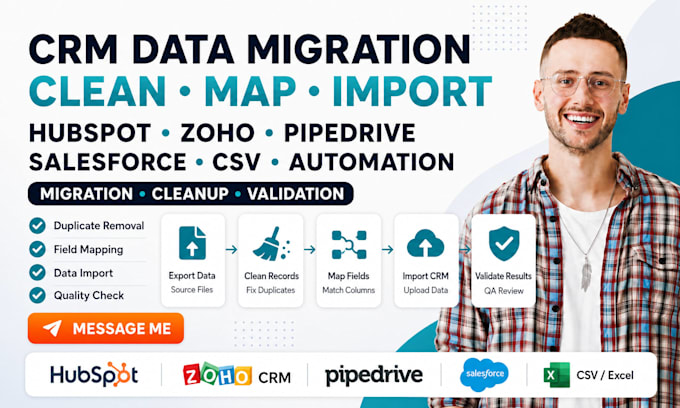
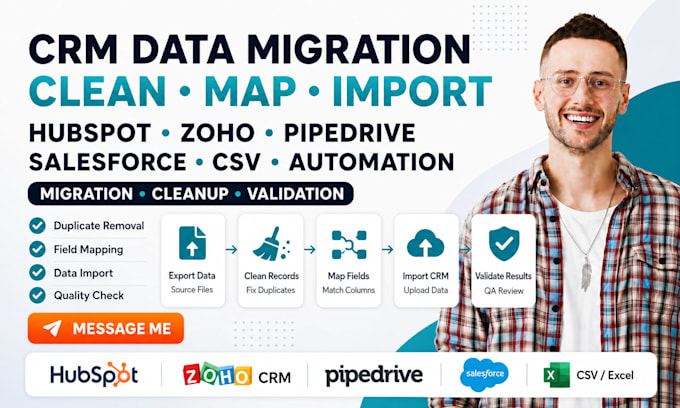
CRM migration is not just uploading a spreadsheet. Incorrect field mapping, duplicate contacts, broken associations, and missing deal history can leave your new system harder to use than the old one.
I will migrate, clean, and import CRM data into HubSpot, Zoho CRM, Pipedrive, or Salesforce with a controlled process built around accuracy.
Your project can cover:
Before importing, I prepare and review the data structure. After migration, I verify record counts, mappings, relationships, and agreed automation.
Send your source CRM, destination CRM, record volume, and required objects before ordering.
CRM AUTOMATION, SUPPORT AND INTEGRATION EXPERT
Level 1
Languages
Will you clean my data before importing it?
Yes. Data cleanup can include duplicate review, field formatting, blank-value checks, naming consistency, date correction, phone formatting, column organization, and removal of unnecessary records.
What types of records can you migrate?
I can work with contacts, companies, organizations, leads, deals, opportunities, activities, tasks, notes, products, owners, pipeline stages, tags, and supported custom fields.
Can you preserve contact and company relationships?
Yes. I can map supported record relationships, such as contacts connected to companies and deals. The source files must contain reliable IDs or matching information for proper association.
Can CRM workflows and automations be migrated?
Automations normally cannot be imported directly between unrelated CRM platforms. I can review the existing logic and rebuild selected workflows inside the destination CRM.