Browse categories
Explore
Fiverr Pro
English
$
USD


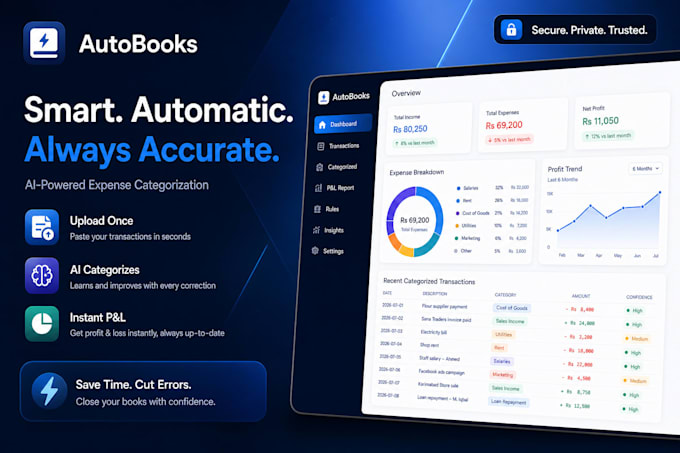
Tired of manually sorting receipts, Excel rows, and bank statements? Let's automate it!
I build custom desktop applications that streamline financial workflows, automatically categorize business expenses, and generate clean Profit & Loss (P&L) layouts. Get a reliable, secure solution tailored exactly to your business workflow.
️ What I Offer:
Package Breakdown:
Please contact me before ordering to discuss your file formats, operating system (Windows/Mac), and project requirements. Let's build your perfect tool today!
Full Stack Developer
Languages
Will my financial data remain safe and private?
Yes, absolutely. The desktop application runs entirely locally on your computer. Your financial data, bank statements, and spreadsheets are never uploaded to the cloud or shared with third parties.
What operating systems does your software support?
I can build software compatible with Windows, macOS, or Linux. Please let me know which operating system you use before placing your order so I can configure the framework correctly.
Can the tool handle custom transaction categories specific to my business?
Yes. I can program the tool to recognize your specific vendor names and automatically sort them into your custom business expense categories.
What file formats can the application import and export?
The tool natively supports CSV, Excel (XLSX), TXT, and PDF statement extractions. It can export clean reports directly back into Excel or PDF formats.