Browse categories
Explore
Fiverr Pro
English
$
USD



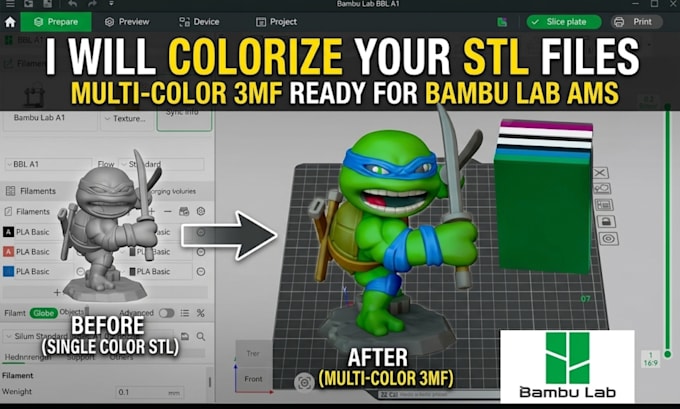
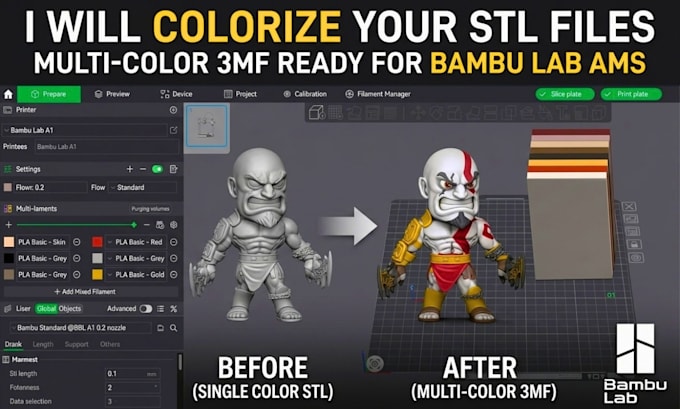
Looking to turn your STL into a clean, multicolor 3MF ready for Bambu Lab printing? Setting up multi-color prints manually can be frustrating color bleed across edges, crazy purge waste, and failed prints after hours of work.
I will turn your STL into a clean, print-ready multi-color 3MF file for your Bambu printer?
What I offer:
Whether for your shop, MakerWorld, or personal use, I will make sure your model prints right on the first try.
Send your STL file over and let's get started!
Please inform the freelancer of any preferences or concerns regarding the use of AI tools in the completion and/or delivery of your order.
3d character sculpts and prints
Languages
What files do I need to send you to get started?
just send your standard .stl or .obj file along with a reference image, sketch, or a quick note detailing where you want each color. If you have specific filament brands, Hex codes, or color palettes in mind, feel free to include those as well.
Will the final 3MF file open directly in Bambu Studio and OrcaSlicer?
Yes. The output .3mf project file opens natively in both Bambu Studio and OrcaSlicer. All painted meshes, color assignments, and plate configurations will stay intact so you can slice and send it straight to your Bambu printer via AMS.
Can you split my model into multiple parts if it’s too big for one plate?
Yes! If your model exceeds the build volume or prints better as separate pieces, I can split the mesh into keyed parts with custom alignment pins so everything fits together tightly after printing.