Browse categories
English
$
USD
Connect to your AI




Need help connecting your online forms to databases, spreadsheets, or other business apps?
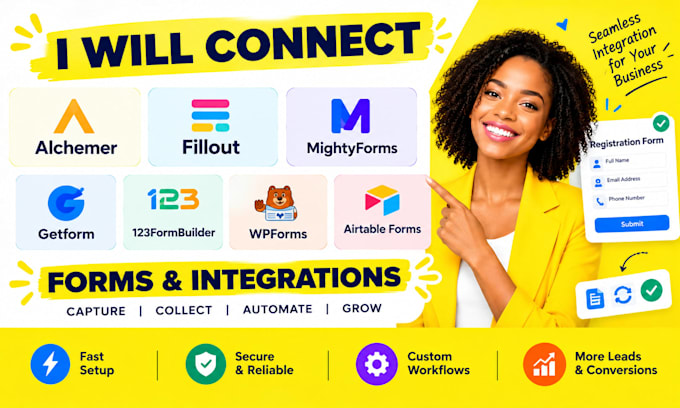
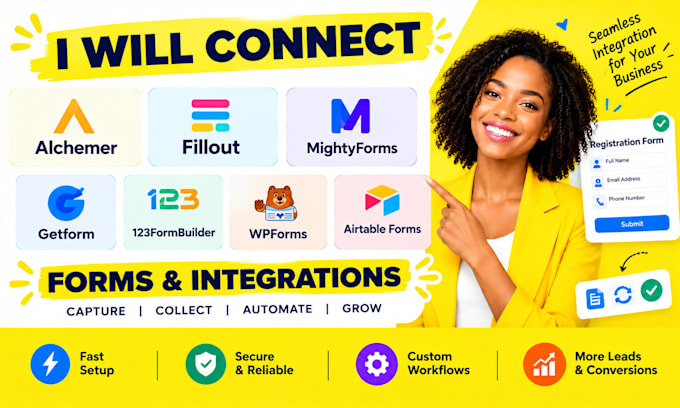
I will help configure supported integrations for Alchemer, Fillout, MightyForms, Getform, 123FormBuilder, WPForms, and Airtable Forms.
WHAT I CAN DO:
WHY CHOOSE MY SERVICE?
I focus on clear communication, organized setup, and careful testing to help reduce manual data entry and improve your data collection process.
Please message me before ordering with your form platform, destination app, and desired result so I can confirm compatibility.
NOTE: Features depend on platform access, subscription plans, and supported integration methods. Paid tools or complex custom API work may require an additional quote.
Let's make your forms work more efficiently!
Connecting Online Forms CRMs and Business Workflows
Languages
Can you connect WPForms to Airtable?
Yes, if a supported integration method is available. I can help configure field mapping and test that submissions reach the intended destination.
Can you connect Fillout or MightyForms to a spreadsheet?
Yes, where the platform supports a direct connection or a compatible integration method.
Can you fix forms that are not sending submissions?
I can troubleshoot supported connections, field mapping, and workflow settings to identify possible causes.
Can you connect multiple forms to one database?
Yes, where the platforms support it. Share the forms, destination database, and desired data structure before ordering.
What do you need to start?
Please provide the form link, destination app, desired workflow, and any error messages. Never share passwords or sensitive login details.