Browse categories
Explore
Fiverr Pro
English
$
USD
Expert IT Support Specialist, Software Installation, Windows, Mac
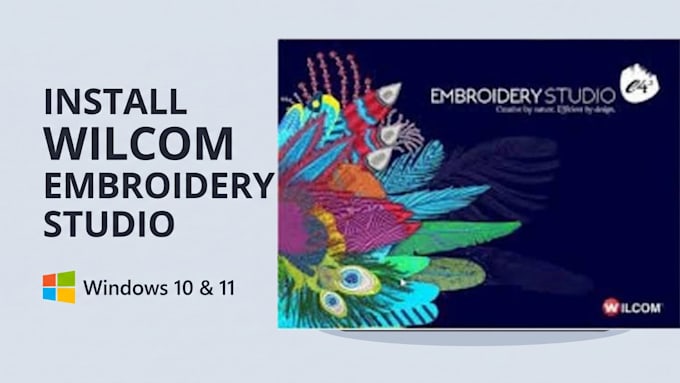
I am an experienced IT & Embroidery Software Specialist. Whether you are a freelance digitizer or running a commercial embroidery shop, I will remotely install, configure, and troubleshoot Wilcom EmbroideryStudio on your Windows PC or laptop via AnyDesk or TeamViewer.
Software & Features Supported:
What This Service Covers:
100% Safe, Fast & Remote:


Software type:
Workspace
•
WHMS
•
VPN
•
Other
Which versions of Windows are supported?
I support all 64-bit editions of Windows 10 and Windows 11 (Home, Pro, and Enterprise), including the latest Windows 11 updates (22H2, 23H2, and 24H2).
My Wilcom stopped opening or gives a HASP error after a Windows 11 update. Can you fix it?
Yes! Windows 11 updates frequently block Sentinel HASP drivers or cause compatibility conflicts. I repair the driver services and configure Windows security settings so Wilcom launches smoothly again.
Will CorelDRAW work inside Wilcom?
Absolutely. With the Standard and Premium packages, I configure the exact registry and version link so the CorelDRAW mode inside Wilcom works without crashing or throwing compatibility errors.
How do we connect for the installation?
We use AnyDesk or TeamViewer. You simply share your connection ID, watch the setup happen live on your screen, and close the app once we are finished.