Browse categories
Explore
Fiverr Pro
English
$
USD



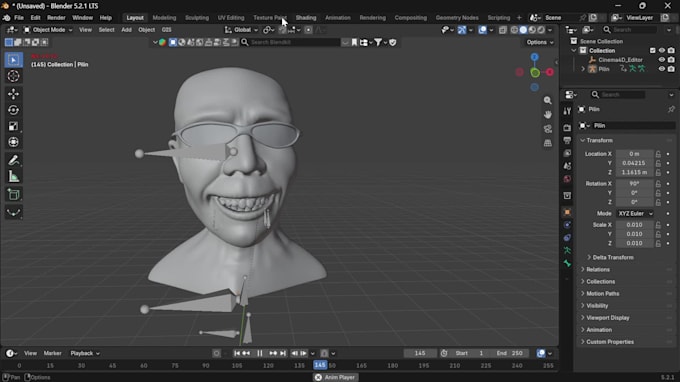
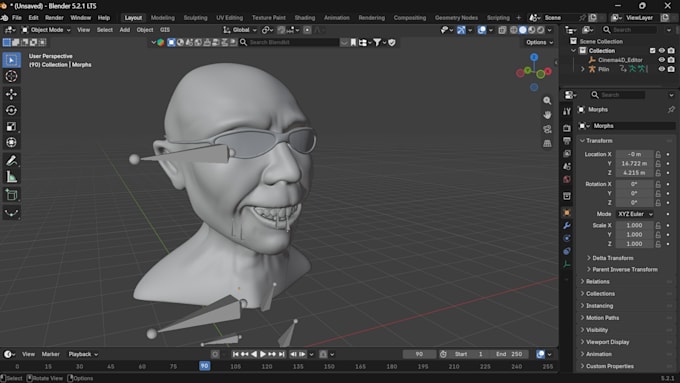
Face capture only works when shape keys are named and shaped to the ARKit spec. I build facial rigging for characters in Blender, with face blendshapes that deform cleanly and import correctly.
What you get:
How it works:
Message me first with your target app or engine so I can confirm compatibility.
3D Modelling, Rigging, Animation, Anime and Takeout
Languages
What is ARKit?
Apple’s face tracking system. It drives 52 named blendshapes, which iPhone capture apps map to your character.
Can you add shape keys to my existing model?
Yes, as long as the topology can support facial deformation. I’ll check before starting
Do I need all 52?
Partial sets cover common expressions. Premium has the full 52.
Is this the same as facial rigging with bones?
No. Shape keys are sculpted expressions. Bone-based facial controls can be quoted separately.
What if my mesh is too dense?
Message me first. I can reduce the poly count as an add-on.