Browse categories
Explore
Fiverr Pro
English
$
USD

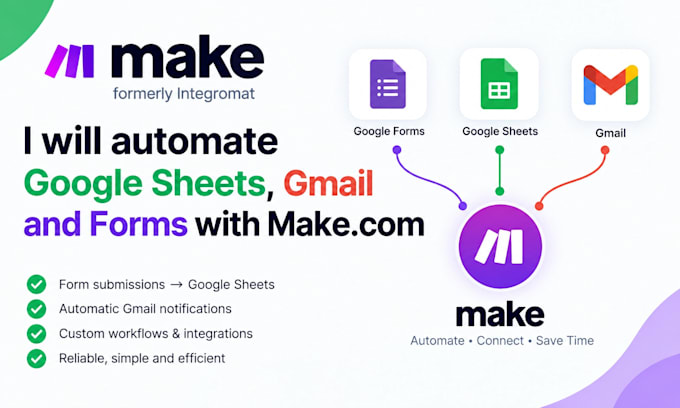

Are you tired of manually updating Google Sheets, processing form submissions, and sending repetitive emails? Lets automate these tasks and save you valuable time!
I will build reliable Make com automations that connect Google Sheets, Gmail, Google Forms, and other compatible apps to streamline your daily workflow and reduce manual work.
WHAT I CAN AUTOMATE:
WHY WORK WITH ME?
If you need a simple form-to-email workflow or a multi-step business automation, Ill help turn repetitive tasks into a smoother process.
Ready to automate your workflow? Contact me before ordering so we can discuss your requirements and choose the right solution.
AI Automation and Workflow Integration
Languages
What can you automate with Make com?
I can automate Google Forms submissions, Google Sheets updates, Gmail notifications, email workflows, and other repetitive tasks by connecting compatible apps through Make com.
Can you connect Google Forms, Google Sheets, and Gmail?
Yes! I can create workflows that send form responses to Google Sheets and automatically trigger Gmail notifications or emails based on your requirements.
Can you automate emails based on Google Sheets data?
Yes. I can set up workflows that send email alerts or notifications when specific conditions are met in your spreadsheet.
Do I need a Make com account to get started?
A Make com account may be required to build and run your automation. If you don't have one, contact me first so I can guide you through the setup.
What do you need from me before starting?
Please provide a description of your workflow, the Google apps you want to connect, and an example of the desired result. Never send passwords; use secure authorization when access is needed.
