How to hire an Adobe Substance 3D Designer expert?
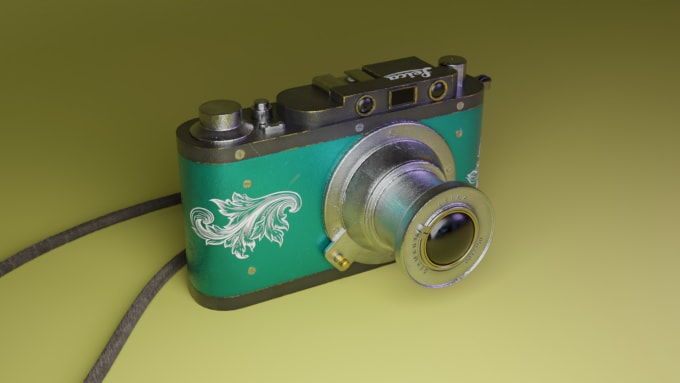
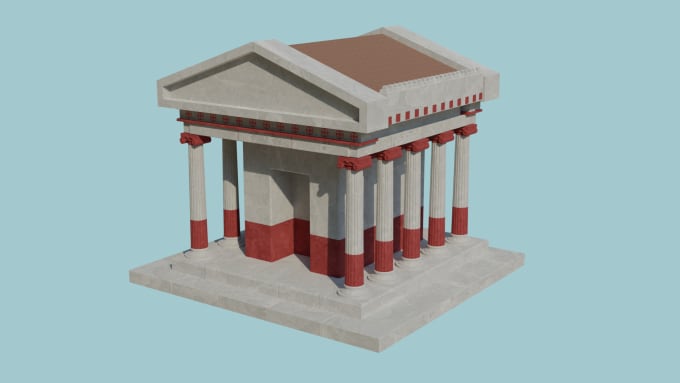
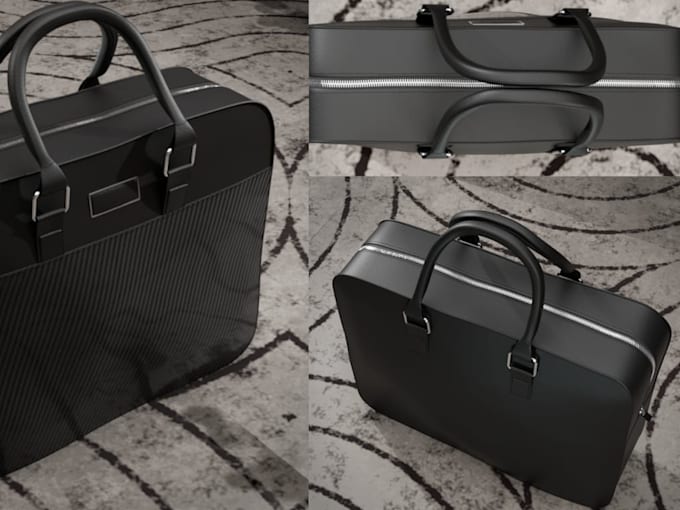
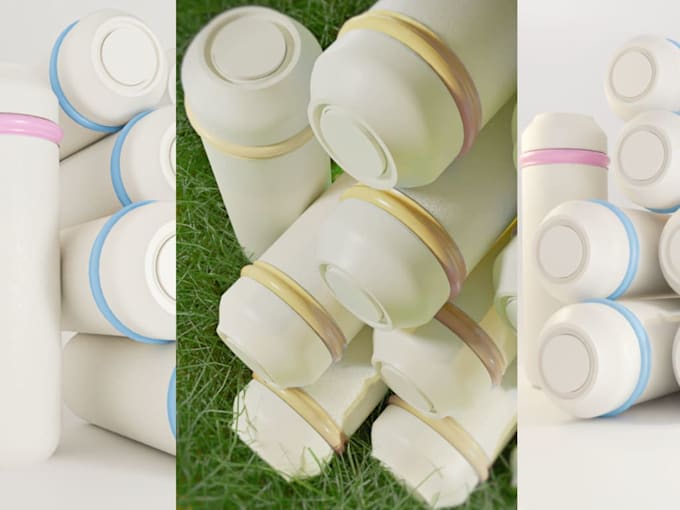
Hiring an Adobe Substance 3D Designer expert is a great way to get high-quality 3D assets with realistic materials and textures. These professionals specialize in using Substance 3D Designer to create procedural textures and materials for games, films, and product visualization. Learn what a Substance 3D Designer expert does, how much it costs, and what to ask before you hire one.
What is an Adobe Substance 3D Designer expert?
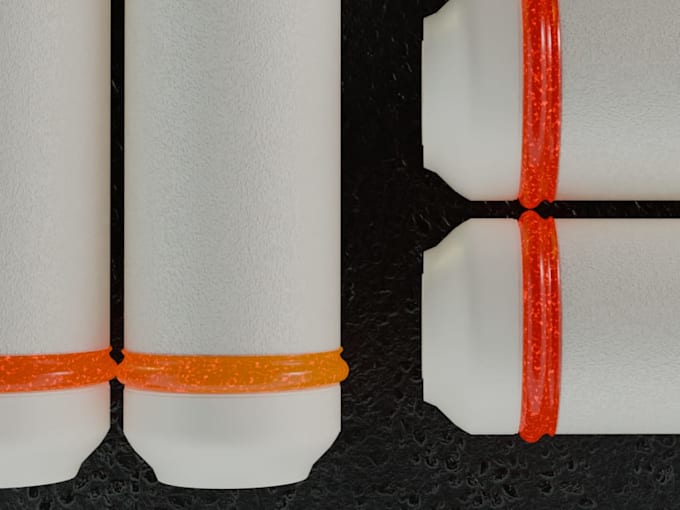
An Adobe Substance 3D Designer expert is a 3D artist who is highly skilled in using Substance 3D Designer. They use the software to create procedural materials and textures, which are dynamic and can be easily customized. Their expertise is crucial for game developers and 3D artists who need to create realistic or stylized textures for their models in a non-destructive and efficient way.
Things an Adobe Substance 3D Designer expert can do for you
- Material Creation: Create a custom procedural material (e.g., rusted metal, cracked stone, futuristic plastic) for your 3D models.
- Texture Generation: Generate high-quality texture maps (e.g., albedo, normal, roughness) for use in any 3D software.
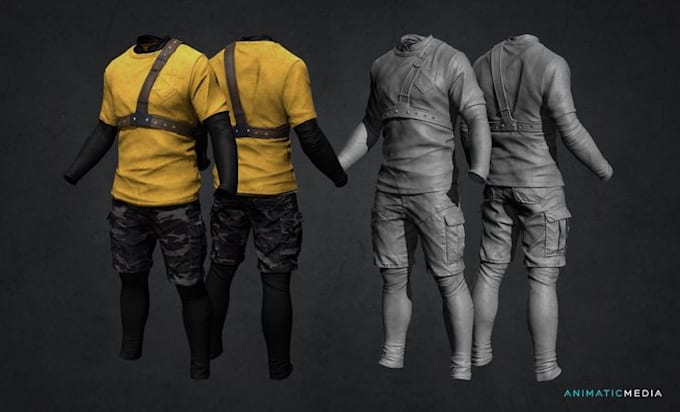
- 3D Asset Texturing: Take your 3D model and apply a custom-created material to it.
- PBR Workflow: Work within a Physically Based Rendering (PBR) workflow to ensure the materials look realistic in any lighting condition.
- Substance File Creation: Provide a Substance file (.sbsar) that you can use to customize the material's properties yourself.
How much does it cost to hire an Adobe Substance 3D Designer expert?
The cost for an Adobe Substance 3D Designer expert depends on the complexity of the material and the number of assets. On freelance platforms, prices might be:
- Single material creation: Average of $50-$150.
- Set of related materials: Average of $100-$300.
- Complex asset texturing: Average of $150-$500+.
Questions to ask when hiring an Adobe Substance 3D Designer expert
- Can you show me a portfolio of materials you have created?
- What is your process for creating a material from a reference photo or description?
- What file formats will the final texture maps or Substance file be delivered in?
- How do you ensure the material will look good in my specific 3D software or game engine?
- How long will it take to create the material?
How much time does an Adobe Substance 3D Designer expert take to complete a job?
The time to complete a job can vary. A simple material might be created in a few days, while a complex, highly detailed material or a set of materials could take a week or more. On average, expect a turnaround time of 3 to 10 days.