Browse categories
Explore
Fiverr Pro
English
$
USD
CRM Expert, Hubspot Automation Workflow Expert
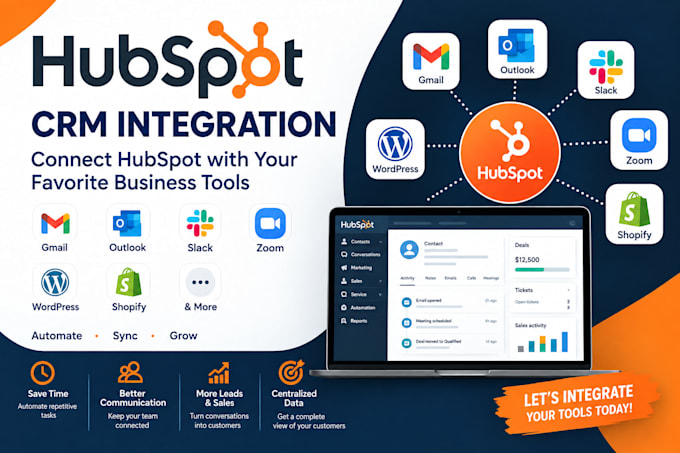
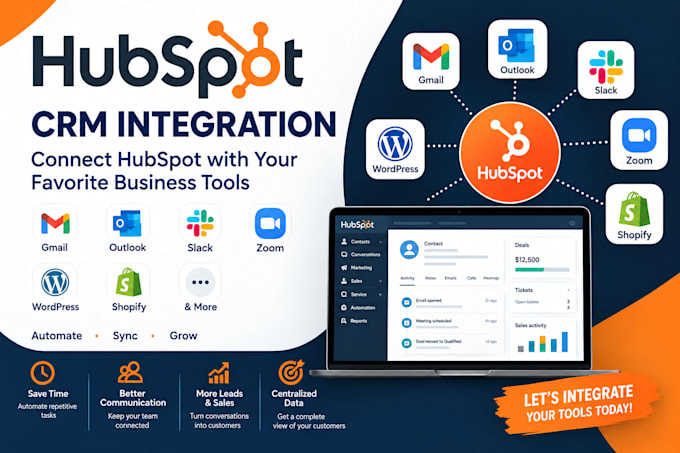
I will integrate HubSpot CRM with Gmail, Outlook, Slack, Zoom, WordPress, Shopify, and other business tools
Are you tired of switching between multiple platforms to manage your customers, leads, emails, meetings, and sales activities?
I can help you integrate HubSpot CRM with your essential business tools so your systems work together smoothly and your team can spend less time on repetitive tasks and more time growing the business.
What I Can Integrate With HubSpot
How This Helps Your Business
A properly integrated CRM can help you centralize customer information, reduce repetitive data entry, improve lead management, and give your team better visibility into customer interactions.
Instead of manually moving information between different platforms, your systems can work together so your team can respond faster and manage customers more efficiently.
Whether you're a startup, small business, eCommerce store, agency, or growing company, I can help you create a more connected HubSpot ecosystem.
Send me a message before ordering and let's discuss your requirements.
Software:
HubSpot
Industry:
Business services & consulting
•
E-Commerce
•
Real estate
1. What information do you need to start the integration?
I will need access to your HubSpot account and the platform(s) you want to connect, along with information about your current workflow and what you want the integration to accomplish.
2. Can you integrate multiple platforms with HubSpot?
Yes. I can integrate HubSpot with multiple supported platforms such as Gmail, Outlook, Slack, Zoom, WordPress, and Shopify. Choose the package that best matches the number of integrations you need.
3. Can you fix an existing HubSpot integration that isn't working?
Yes. I can troubleshoot existing HubSpot integrations, identify configuration or synchronization issues, and make the necessary adjustments where the platform and available permissions allow.