Browse categories
Explore
Fiverr Pro
English
$
USD
AWS Certified Solutions Architect for Cloud DevOps Docker and Kubernetes
Are you looking to secure your Linux server and reduce common security risks?
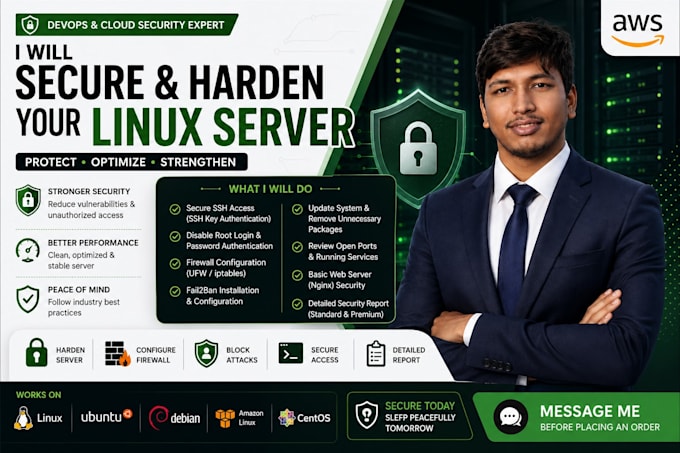
I will help you harden your Linux server using practical security best practices. This gig is suitable for AWS EC2 instances, VPS servers, cloud servers, web servers, development servers, and small business environments.
What I can help you with:
I focus on practical, safe, and clean server hardening without breaking your existing application setup.
Please message me before placing an order so I can understand your server OS, hosting provider, access method, running services, and security requirements.


Operating system:
Linux
Q1. What access do you need to harden my Linux server?
I will need SSH access with sudo or root privileges. For security, temporary access or limited-time credentials are recommended instead of sharing permanent login details.
Q2. What security improvements are included?
Depending on the package, I can configure SSH key login, disable root login, disable password authentication, set up firewall rules, install Fail2Ban, update packages, review open ports, and provide documentation.