Browse categories
Explore
Fiverr Pro
English
$
USD
India
Senior IT Specialist and Retail Operations Expert
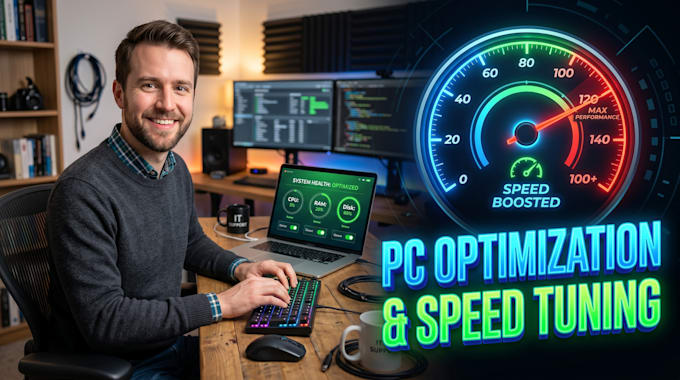
Is your Windows PC or laptop freezing, slow to boot, or crashing? Don't buy new hardware when a professional OS overhaul can restore your speed!
I am an IT Support Specialist with over 13 years of enterprise helpdesk experience specializing in system engineering, diagnostics, and performance tuning. I provide 100% secure remote desktop sessions via AnyDesk, TeamViewer, or UltraViewer.
SERVICES I WILL PERFORM:
* Advanced Windows Baseline Optimization & Custom Registry Tuning
* Startup Latency Trimming & Bloatware Removal (Frees up RAM)
* Deep Malware, Spyware, Trojan, & Browser-Hijacker Eradication
* Driver Conflict Resolution & Blue Screen (BSOD) Triage
* Hard Drive Optimization & Corrupted Cache Flushing
* Local Automated Backup Configuration & Restore Point Setup
️ UPTIME GUARANTEE:
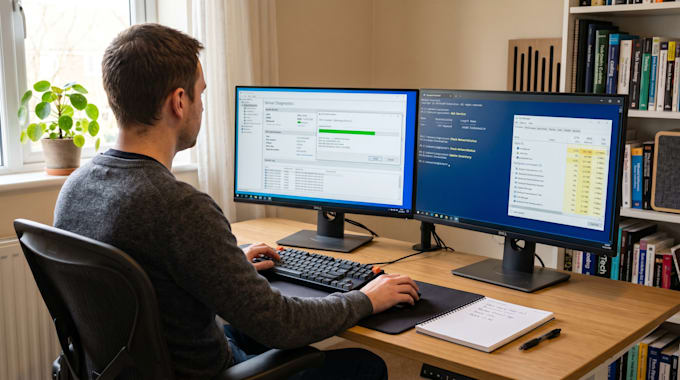
I operate from a private home office equipped with a commercial online UPS battery matrix and dual active ISPs (Primary Fiber + Redundant 5G Failover). This ensures zero network drops or power cuts during your session.
Message me with your computer symptoms before ordering, and let's restore your device speed today!


Device:
Desktop
•
Laptop
•
Server
Operating system:
Windows
•
OSX
Is my personal data and local file privacy completely secure during the remote session?
Absolutely. My optimization workflows only target core operating system parameters, registry logs, and background software configurations. Your personal documents, private data, browser credentials, and local files remain completely untouched and secure.
What happens if my local area experiences a utility power cut or internet dropout mid-session?
No need to worry. My home office runs a commercial online UPS backup matrix and dual active network links (Primary Fiber + Redundant 5G cellular). If your side drops, the session pauses safely, and we can reconnect the instant your internet is back online.
Can you fix any Blue Screen of Death (BSOD) error, or does it require new hardware?
Yes. I analyze your system’s Event Viewer logs to isolate the exact root cause, whether it is a corrupted driver file, a faulty Windows update loop, or a registry boundary conflict, and safely patch it to restore operating system stability.
How do you connect to my computer securely?
I connect securely via enterprise remote tools like AnyDesk, UltraViewer, or UltraViewer. You maintain full control over your screen, can view every diagnostic command I execute in real-time, and can terminate the encrypted session at any second.
What if my device needs multiple software fixes?
My Standard and Premium packages cover full operating system optimization, malware removal, and registry tuning. If your system requires advanced database mapping or severe corruption reconstruction, message me first and I will generate a custom corporate IT support quote for you.
Do you support Apple macOS devices or only Windows?
This specific gig focuses on Windows 7, 10, and 11 optimization. However, I have extensive cross-platform helpdesk experience. If you need macOS speed tuning, malware removal, or system diagnostics, please message me directly for a custom Mac support offer.
How long does a typical remote optimization session take?
A basic diagnostic takes about 15 to 30 minutes. A standard deep speed optimization or premium malware cleanup usually takes 1 to 2 hours of active remote work. We will coordinate a time slot that matches your local business hours perfectly.
Do I need to buy any premium tools or software?
No. I utilize built-in Windows administrative utilities, secure command-line diagnostics, and trusted open-source optimization tools to clean your machine. You do not need to purchase any additional software licenses or third-party optimization subscriptions.
What if my computer cannot be fixed remotely?
If my initial diagnostic reveals a severe hardware failure—like a failing SSD or a dead RAM stick—that cannot be resolved via software, I will stop the session, explain the exact hardware component you need to replace, and safely cancel the order without charging you.
Can you optimize my computer while I am working on it?
Because optimization requires modifying registry files, adjusting system startup parameters, and running deep file scans, your mouse and keyboard will need to remain free. It is best to schedule the session during a lunch break or right after your working day ends.