Browse categories
Explore
Fiverr Pro
English
$
USD
Bulgaria
USER GUIDE: WORKSHIELD 2026
Professional Scheduling & Resource Management
1. GETTING STARTED
Enable Macros: Upon opening, click "Enable Content" or "Enable Macros" at the top. All automation and security features require this to function.
2. MASTER CONFIGURATION (JANUARY SHEET)
IMPORTANT: The January sheet acts as the "Command Center" for the entire year.
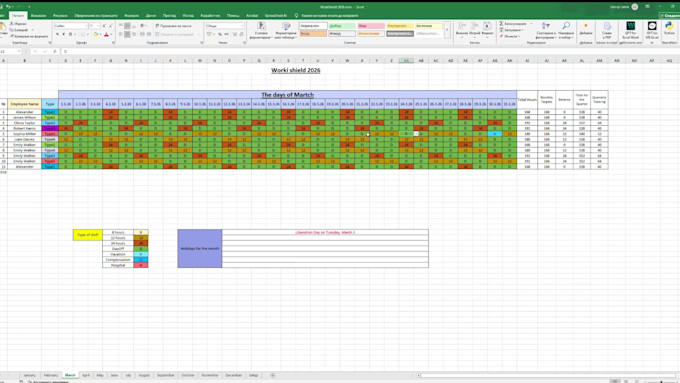
Central Control: All shift types, hours, and settings are managed exclusively from the January sheet.
Shift Definitions: To modify shift names or hours (e.g., Type 1, Type 2), update the Information Table in January. Changes will propagate to all other months automatically.
Public Holidays: Input national holidays in the "Holidays for the Month" section on the January sheet to set the baseline for the year.
3. MANAGING EMPLOYEES
Add Employee: Always use the "Add Employer" button. This ensures the new row is perfectly synced across all 12 months.
Delete Employee: To remove staff, select the employee's row and deleted.
Protection: Formulas and structural rows are locked. Use the provided buttons for all modifications.


Industry:
Technology
Data type:
Date