Browse categories
Explore
Fiverr Pro
English
$
USD
LIVESTREAM SUPPORT PRO
Hello,
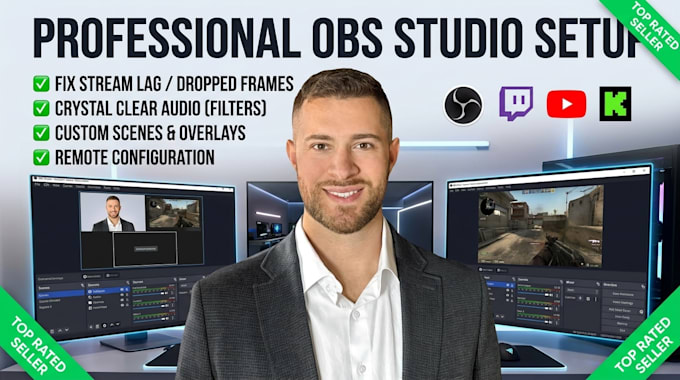
Are you struggling with stream lag, poor microphone audio, or a messy layout in OBS Studio? Let a professional handle your broadcast engineering so you can focus on creating content.
I will remotely configure your OBS Studio for optimal performance, smooth 60 FPS recording, and crystal-clear audiotailored specifically to your PC specs and internet speed.
WHAT I CAN DO FOR YOU:
REQUIREMENTS FROM YOU:
Message me before placing an order to review your PC specs and goals!

Software:
OBS Studio
Platform:
•
Twitch
•
YouTube
•
Kick
Purpose:
Gaming
•
Music
•
Lifestyle
•
Business
•
News
•
Streamshare
•
Webinar
Q: Will you set up my microphone audio filters to eliminate background noise?
A: Absolutely. I will apply digital audio filters directly inside OBS—including noise suppression, a noise gate, compressor, and EQ—to block out fan noise, keyboard clicks, and room echo.
Q: Can you fix stream lag, dropped frames, or high CPU usage?
A: Yes! I will fine-tune your encoder settings (NVIDIA NVENC, AMD AMF, or x264), bitrate, canvas resolution, and process priority based strictly on your hardware and internet bandwidth to ensure smooth performance.
Q: What information do I need to provide before we start?
A: I will need your computer specifications (CPU, GPU, RAM), your internet upload speed (from speedtest.net), your streaming goals (e.g., 1080p 60fps), and access to any graphic overlays or stream keys you want incorporated.
Q: How will you access my computer to set up OBS?
A: I perform the entire configuration remotely using safe, industry-standard software like Any Desk or TeamViewer. You can watch everything on your screen in real time and disconnect the session whenever we finish.
