Browse categories
Explore
Fiverr Pro
English
$
USD
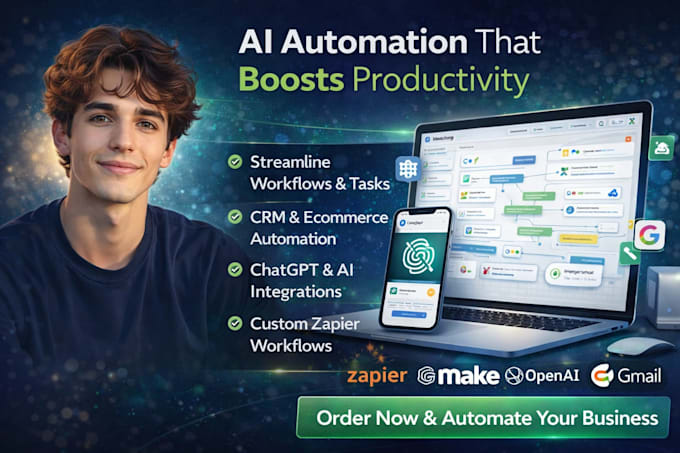
AI Automation Expert, Workflow Optimization and Smart Business Solutions
Losing live leads and revenue because your Zapier links, Make scenarios, or custom Webhook APIs are completely broken?
A glitching automation pipeline stalls your business. When custom webhooks drop payloads, data fields mismatch during platform syncs, or automation workflows throw constant 400 error codes, you lose hot prospects in real-time. As an expert Data Integration Engineer, I stop your technical data leaks instantly.
Critical Issues I Resolve:
Why Choose Me:
Stop watching your automations fail. Click the contact button now to lock in your expert system fix!



Device:
Desktop
•
Laptop
•
Server
•
Mobile
•
Tablet
Operating system:
Windows
•
Linux
•
IOS
•
Android
•
SAP
Do you need my direct master passwords to fix my automations?
No. Most platforms like Zapier or Make allow you to invite me as a team collaborator or share specific folder access. This keeps your main account completely secure while giving me the technical environment needed to diagnose and repair your workflows.
Can you fix a custom API or webhook that doesn't use Zapier or Make?
Yes. I specialize in custom backend data architecture. I can parse raw JSON data strings, inspect incoming or outgoing payloads, and fix communication pathways between custom web applications, CRMs, and third-party tools.
Will my live workflows be disrupted while you are troubleshooting?
Never. I perform diagnostic testing and write replacement script pathways inside a cloned sandbox scenario or developer test environment first. Your current live operations see zero downtime until the final, verified fix is published.