Browse categories
Explore
Fiverr Pro
English
$
USD
Helping Businesses Grow with Email Automation, Chatbots and Marketing Systems
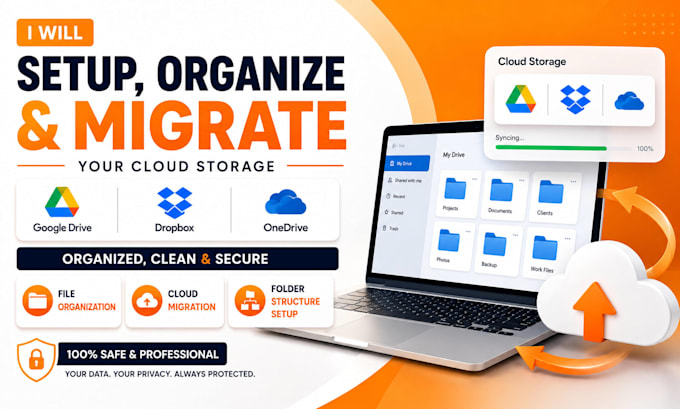
Is your Google Drive, Dropbox, or OneDrive cluttered, disorganized, or difficult to manage? I can help you organize, clean up, and migrate your cloud storage professionally and efficiently.
I rebuild Google Drive, Dropbox, and OneDrive into systems that actually work:
searchable, permission-safe, and built to scale with your business.
WHAT YOU GET
WHY THIS GIG
I will help transform your messy cloud storage into a clean, organized, and easy-to-use system that saves time and improves productivity.
Ready to organize your cloud storage and eliminate digital clutter?
Click "Order Now" or send me a message to discuss your project. I respond quickly and am ready to help you get started today.



Is my data safe during the reorganization or migration?
Yes. I work only with view/edit-access links you control, never passwords. You can revoke access instantly at any time, and nothing is downloaded to third-party servers.
Can you migrate files between different cloud platforms (e.g. Dropbox to Google Drive)?
Yes, cross-platform migration is included in the Premium package, with full folder structure and permissions preserved during transfer.
What if I don't know how I want my folders organized?
That's normal. I design a structure based on how your business actually operates, file types, and team roles, then send it for your approval before moving anything.
Will this work for shared team drives, not just personal storage?
Yes. I handle shared/team drives and review existing permission settings to prevent overexposed or broken access during the rebuild.
Do you remove duplicate files automatically?
I identify duplicates manually and flag them for your review before deletion, so nothing important is removed without your confirmation.
What happens after delivery will my files stay organized?
You'll receive a naming/folder reference guide so your team can maintain the system. Updates or check-ins after delivery can be arranged separately.