Browse categories
Explore
Fiverr Pro
English
$
USD
BUSINESS EMAIL GURU
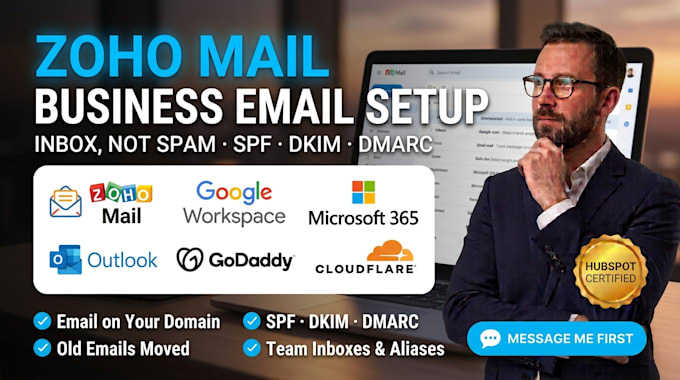
ZOHO MAIL SETUP BUSINESS EMAIL GOOGLE WORKSPACE MICROSOFT 365 SPF DKIM DMARC
Still using a Gmail or Yahoo address for your business, or are your emails landing in spam?
I set up professional email on your own domain with Zoho Mail, Google Workspace or Microsoft 365, and add the SPF, DKIM and DMARC records that help your emails reach the inbox.
What you get:
- Business email on your domain (you@yourcompany.com)
- Users, aliases, shared inboxes and groups set up
- MX, SPF, DKIM and DMARC records added and verified
- Old emails moved from Gmail, Outlook or another provider
- Signatures, phone and Outlook setup, plus a recorded walkthrough
1-hour response | Every setup tested before delivery
Platforms I work with:
Zoho Mail Google Workspace Microsoft 365 Outlook Gmail GoDaddy Namecheap Cloudflare Squarespace Domains Hostinger Bluehost HubSpot GoHighLevel Mailchimp Brevo SendGrid Mailgun Instantly Lemlist Zoho CRM Zoho Campaigns MXToolbox Google Postmaster Tools IONOS Wix Amazon SES Titan Mail Proton Mail Postmark Smartlead dmarcian EasyDMARC
Message me before ordering. Tell me your domain and how many email users you need. I'll confirm scope within the hour.


Email Provider:
Gmail
•
Microsoft Outlook
•
Zoho
Expertise:
Spam
•
Setup
•
Configuration
Which domain providers do you work with?
Yes. Zoho Mail, Google Workspace or Microsoft 365 set up on your domain at GoDaddy, Namecheap, Cloudflare, Squarespace Domains, Hostinger, Bluehost, IONOS or Wix, with MX records verified so mail arrives.
Can you stop my emails going to spam?
Yes. SPF, DKIM and DMARC records added and tested with MXToolbox and Google Postmaster Tools, plus records for HubSpot, GoHighLevel, Mailchimp, Brevo, SendGrid or Instantly if you send from those too.
Can you move my old emails?
Yes. Emails, contacts and calendars moved from Gmail, Yahoo, Outlook, GoDaddy email or another provider into Zoho Mail, Google Workspace or Microsoft 365, with mail forwarding during the switch.
Do I need to pay for the email plan?
Email plans are paid directly to Zoho, Google or Microsoft from your own account, so you keep full ownership. I work through an admin or DNS access invite you give me, never your personal password.
Can you set up my team's inboxes?
Yes. Users, aliases like info@ and sales@, shared inboxes, groups, signatures, and setup on phones and Outlook, plus a recorded walkthrough so your team knows how to use everything.