Browse categories
Explore
Fiverr Pro
English
$
USD
Livestream Graphics and OBS Specialist
Is your OBS Studio lacking the right settings for smooth, professional live streaming?
Are you experiencing lag, dropped frames, poor stream quality, audio issues, or confusing OBS settings? You're in the right place!
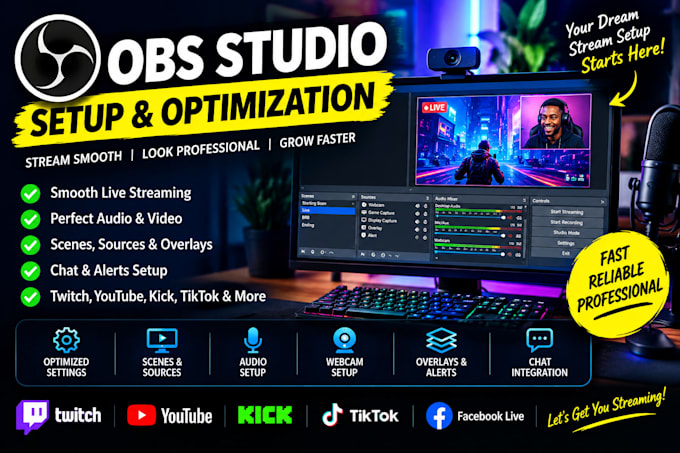
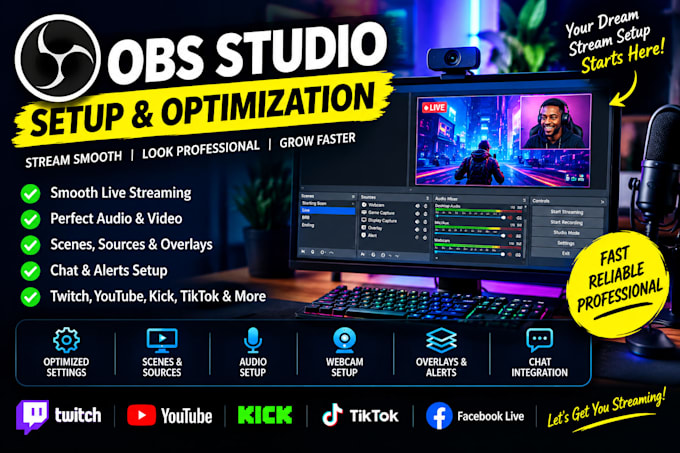
I will professionally setup and optimize OBS Studio based on your PC, internet connection, equipment, and streaming goals. Whether you stream on Twitch, YouTube, Kick, TikTok, or Facebook Live, I will create a smooth and reliable streaming setup tailored to your needs.
WHAT I OFFER:
WHY CHOOSE ME?
Whether you need an OBS setup for live streaming, gaming, recording, Twitch, YouTube, Kick, or TikTok, I will optimize your OBS Studio for high-quality, smooth, and professional streaming.
Message me now and let's build your perfect streaming setup!


Software:
OBS Studio
Platform:
•
Twitch
•
YouTube
•
Kick
•
Other
Purpose:
Gaming
•
Music
•
Lifestyle
•
Business
•
News
•
Streamshare
•
Webinar
1. What do you need to set up and optimize my OBS Studio?
I need to know your PC specifications, streaming platform, internet upload speed, and streaming goals. Please also share any specific requirements you have for your setup.
2. Can you set up OBS Studio for Twitch, YouTube, Facebook, Kick, or TikTok?
Yes! I can configure OBS Studio for your preferred streaming platform and help you prepare a professional streaming setup based on your needs.
3. Can you fix lag, dropped frames, and poor stream quality in OBS?
Yes! I can troubleshoot common OBS performance issues and optimize your settings to help reduce lag, dropped frames, and poor video quality.
4. Can you add my overlays, webcam, alerts, and other streaming elements?
Yes! I can integrate your existing overlays, webcam, alerts, and other available streaming assets into OBS Studio to create a clean, professional layout.
5. Do I need to install OBS Studio before placing an order?
It is helpful to have OBS Studio installed on your computer. If it is not installed, let me know before ordering so we can discuss the setup requirements.
6. Can you configure OBS Studio for my PC specifications?
Yes! I will tailor your OBS settings, including resolution, bitrate, encoder, and frame rate, to your hardware, internet connection, and streaming platform.
7. Do you provide support after delivery?
Yes! I can provide support related to the delivered setup within the scope of your selected package. Additional work outside the agreed scope may require a separate order.