Browse categories
English
$
USD
Connect to your AI






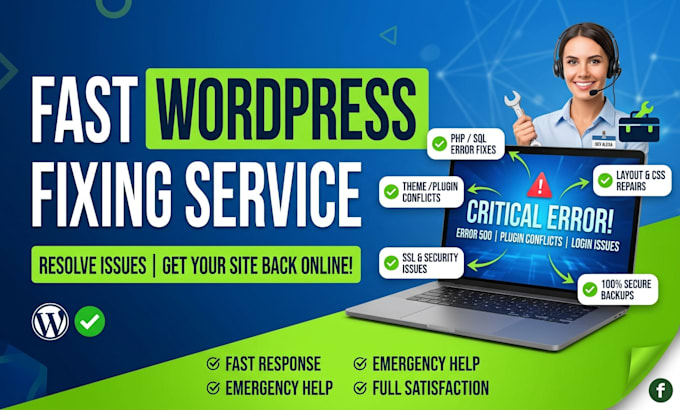
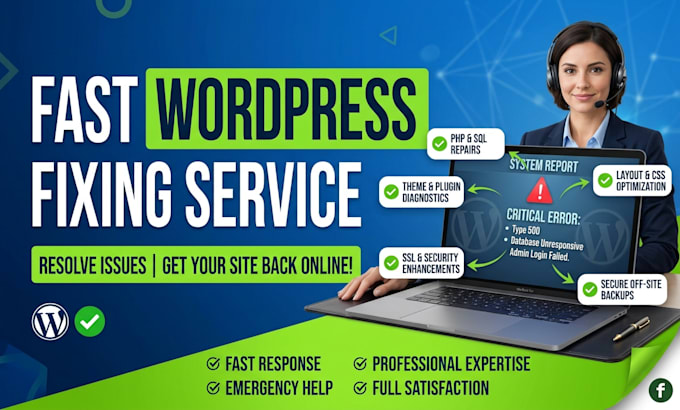
Are you frustrated with a broken WordPress website, a scary Critical Error screen, or a messed-up layout after an update? Dont panic I am here to help you get your site back online fast
I specialize in diagnosing and fixing complex WordPress technical errors, plugin conflicts, database failures, and design responsiveness issues quickly and safely.
️ What I Can Fix For You:
1 Critical & PHP Errors: There has been a critical error on your website, White Screen of Death (WSOD), 500 Internal Server Error, 502/504 Bad Gateway.
2 Layout & Styling Issues: Broken CSS, elementor loading errors, header/footer layout glitches, mobile responsiveness issues.
3 Login & Admin Issues: Locked out of wp admin, forgotten password reset failures, loop redirection errors.
4 Database & Memory Errors: "Error Establishing a Database Connection", memory limit exhausted errors.
Why Work With Me?
Fast Response & Quick Turnaround
100% Safe Work: Backup created before touching any code.
Clean Code & Professional Standards
Clear & Friendly Communication
IMPORTANT NOTE BEFORE ORDERING: Please message me before placing an order!
Please be aware that it is against Fiverr's policies for sellers to include themes, templates, or any other elements that infringe third-party rights or applicable laws in the delivered work. Read more about in our Guide to Responsible Digital Creation.
WordPress Expert, WooCommerce, Elementor, Divi and Site Migration
Languages
1. What details do you need to start fixing my website?
To diagnose and fix your site, I will need temporarily created login details for your WordPress Admin panel (wp-admin). In some cases involving database or critical server errors, I may also need access to your cPanel, Hosting Panel, or FTP/SFTP.
2. Is it safe to share my login credentials with you?
Yes, absolutely. Your privacy and security are top priorities. I strictly recommend using a temporary admin account that you can delete or change the password for once the job is successfully completed.
3. Will my website suffer downtime or data loss while you fix it?
No. My first step on every project is to take a complete, full site backup (files and database). If major changes are required, I perform the fixes on a staging environment or offline to ensure zero downtime for your visitors.
4. What if you cannot fix my WordPress issue?
If for any reason the issue cannot be resolved or is beyond technical control (e.g., severe server-side hardware limitations), you will receive a full, hassle free refund.
5. How long does it usually take to fix an issue?
Most standard errors, layout bugs, and plugin conflicts are resolved within 2 to 12 hours. All packages come with a maximum 24-hour delivery guarantee.
6. Can you fix the "There Has Been a Critical Error on Your Website" message?
Yes! This is a very common WordPress error usually caused by PHP memory limits, outdated plugins, or theme function conflicts. I can locate the exact line of code causing it and restore your site immediately.
7. Do you fix Elementor, Divi, or other page builder issues?
Yes! I work with all major WordPress page builders including Elementor, Divi, WPBakery, Beaver Builder, and Gutenberg. I can fix broken layouts, stuck loading screens, and custom styling issues.