Browse categories
Explore
Fiverr Pro
English
$
USD
UK Native IT Support Specialist Creative Editor
Stop emailing files to yourself just to print them!
Are you working from home but need your documents to come out of the office printer? Do you need a secure, private way to bridge your devices without using expensive or slow cloud services?
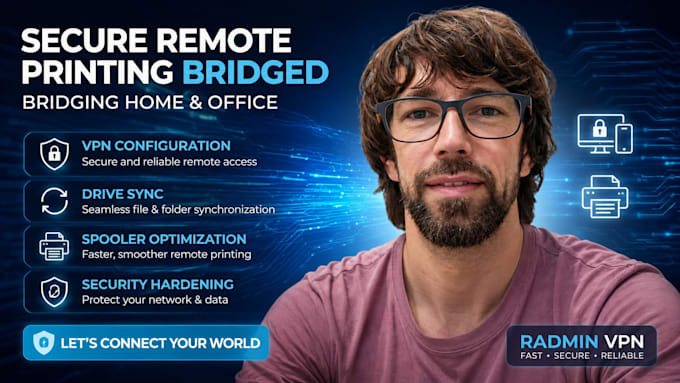
I will set up a Professional Remote Printing Bridge using a secure Virtual LAN (Radmin VPN or similar). This setup allows your home computer to "see" your office printer as if it were sitting right next to you on your desk.

Device:
Desktop
•
Laptop
•
Server
•
Router
•
Printer
Operating system:
Windows
•
Linux
•
Ubuntu
Is this setup secure? Can others access my office files?
Absolutely. We use Radmin VPN, which creates a private, encrypted "tunnel" (AES-256 bit encryption) between your devices. Only computers that you explicitly authorize and join to your private network can see the printer. I also configure your Windows Firewall to ensure only necessary printing ports
Do I need to keep my office computer turned on?
Yes. For the remote bridge to work, the "Host" computer (the one physically connected to the printer in your office) must be powered on and connected to the internet. This PC acts as the gateway for your print jobs.
Will this work with any printer?
It works with 99% of printers that have Windows-compatible drivers. Whether it's a USB-connected printer or a network (Ethernet/Wi-Fi) printer at your office, I can bridge it to your home setup. Please message me your printer model before ordering if you have any concerns.
