Browse categories
Explore
Fiverr Pro
English
$
USD




Your track sounds huge in your DAW. Then you stream it on Spotify or Apple Music and it sounds quiet, thin or harsh next to commercial releases. You're not imagining it.
THE PROBLEM
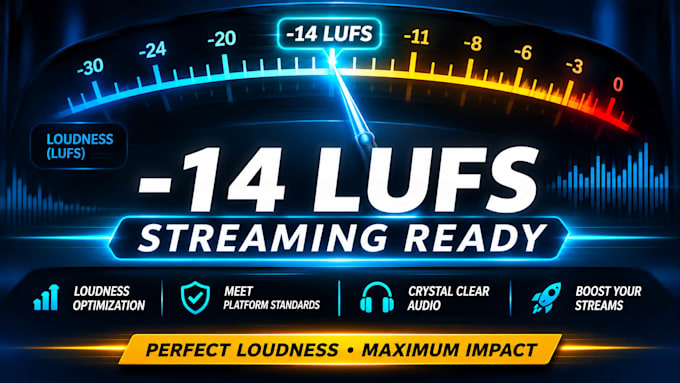
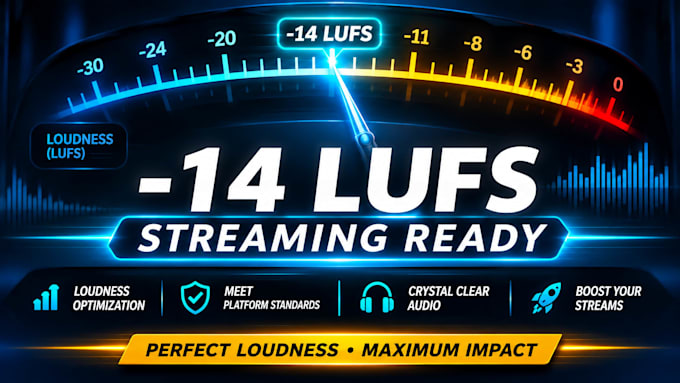
Streaming platforms normalize playback to a target loudness, about -14 LUFS on Spotify. Over-limited files get turned down and lose their punch, and hot peaks can distort once encoded to a lossy format.
HOW I FIX IT
HOW IT WORKS
1. Send your WAV or AIFF and target platforms.
2. I analyze and optimize it.
3. You receive a streaming-ready file.
WHO IT'S FOR
Independent artists and producers with a finished stereo mix or master who want it to translate properly on streaming.
GOOD TO KNOW
This is loudness and export optimization, not a creative remix or full mastering. Your mix balance stays yours.
Message me before ordering and I'll confirm I can help.
Artist Protection Specialist
Languages
What does LUFS mean?
LUFS measures perceived loudness over time. Streaming platforms use it to match playback volume across tracks. I tune your file to the right target so it plays back at full strength, not turned down.
Do I need to send stems or project files?
No. A finished stereo WAV or AIFF is all I need. I work on the final file, so there’s nothing to rebuild and no access to your session is required.
Will this ruin the dynamics or vibe of my mix?
No. I protect your transients and keep your mix balance and tone as they are. Changes are limited to loudness, peak ceiling and export settings. If I hear a risk, I’ll tell you before delivering.