Browse categories
Explore
Fiverr Pro
English
$
USD

Level 1


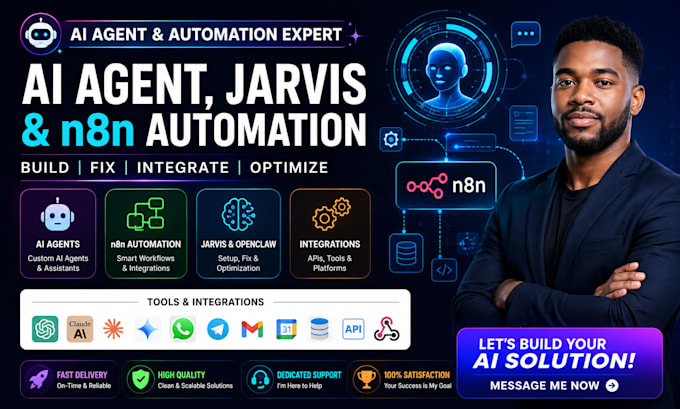
Hi! Need a powerful AI agent, Jarvis assistant, or n8n automation?
I build, fix, integrate, and optimize AI agents, Jarvis AI, OpenClaw, multi-agent systems, n8n workflows, and custom AI automation tailored to your goals.
WHAT I OFFER
Have an AI idea or a broken system? Send me your requirements now and let's build, fix, and automate it!
Building Digital Systems That Grow Your Business
Level 1
Languages
Can you fix my existing AI agent or n8n workflow?
Yes. I can troubleshoot errors, broken workflows, integrations, APIs, and configuration issues.
Can you build a custom Jarvis AI assistant?
Yes. I can build a customized Jarvis style assistant with tools, memory, automation, and integrations.
Can you set up or fix OpenClaw?
Yes. I can install, configure, troubleshoot, integrate, and optimize your OpenClaw setup.
Can you create a multi-agent AI system?
Absolutely. I can build multiple specialized AI agents that communicate, coordinate, and automate tasks.
Can you integrate AI with my existing tools?
Yes. I can connect AI with n8n, APIs, CRMs, databases, WhatsApp, Telegram, Gmail, and other platforms.