Browse categories
Explore
Fiverr Pro
English
$
USD
Hardware Network Specialist PC Optimization YouTube SEO Expert
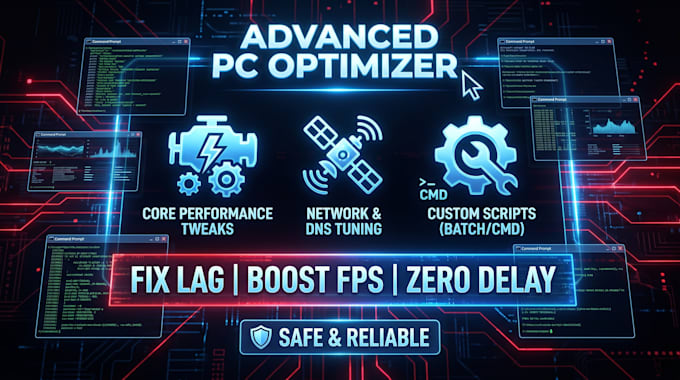
Are you tired of low FPS, stuttering, and high input delay while gaming? As a system tuning expert with a strong background in Hardware and Networking, I specialize in deep Windows optimization and emulator tuning. Whether you are playing PC games or competitive mobile titles on emulators, I will configure your system for maximum performance and zero lag.
What I will do:
Why choose me?
Please send me a message with your PC specifications before placing an order!



Device:
Desktop
•
Laptop
•
Mobile
•
Tablet
Operating system:
Windows
•
Android
Will this optimization delete my personal files?
No, absolutely not. The optimization process is 100% safe. I only remove temporary files, unnecessary Windows bloatware, and tweak system settings. Your personal files, games, and photos remain untouched.
Can you optimize emulators for zero input delay?
Yes! I specialize in optimizing emulators like BlueStacks and MSI App Player. I will configure the settings, apply custom tweaks, and eliminate input delay for a competitive edge in your games.
Can you lower my ping and fix network lag?
Yes! Using my background in hardware and networking, I apply advanced DNS tuning and network configurations to stabilize your connection and lower your ping as much as your internet provider allows.
Will this make a huge difference on a very low-end PC?
Optimization drastically improves performance, removes stutters, and frees up system resources (like maximizing your available physical and virtual RAM). However, it cannot exceed the actual physical limitations of your hardware.
Do you use heavy third-party software that slows down the PC?
No. I focus on clean, manual Windows registry tweaks and lightweight, custom-built command-prompt scripts (like my KAVISTACKS tools) specifically designed to reduce background RAM usage and boost FPS without adding bloatware.