Browse categories
Explore
Fiverr Pro
English
$
USD




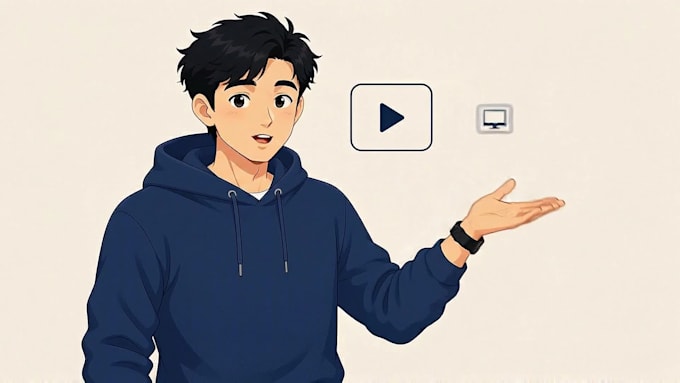
Most AI-generated videos fall apart after a few scenes the character's face drifts, proportions shift, and by scene ten it looks like a different person. I solve that problem.
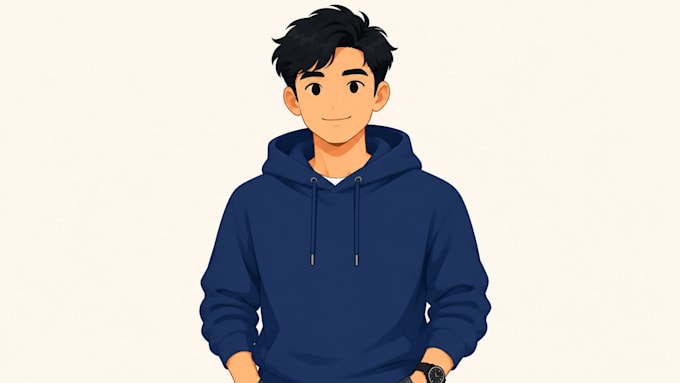
I create explainer and ad videos where one character stays completely locked across every scene: same face, same proportions, same style, from the first frame to the last. My own intro video above was built this exact way 14 shots, one character, zero drift.
My process:
- Character design with a locked reference block that never changes
- AI voiceover (ElevenLabs)
- Scene-by-scene animation (ComfyUI + Wan 2.2)
- Every generated frame rated anything below a 9/10 gets regenerated, not accepted
- Final edit and captions in CapCut
This works well for:
- Faceless YouTube channels that need a consistent on-screen host
- SaaS and product explainer videos
- Character-based social media content
I handle the entire pipeline myself, so there's no back-and-forth between different people for character design, voice, and animation just one consistent process from script to final video.
Tell me what you're building, and I'll be upfront about whether I'm the right fit before we start.
AI Video Production Specialist Character Consistent Explainer Videos
Languages
What software or AI models do you use?
I use ComfyUI with Wan 2.2 14B for character animation, ElevenLabs for voiceover, and CapCut for final editing. I don't use pre-made explainer video tools like Vyond or Powtoon — my videos are fully custom-generated with AI.
Can I use my own script, or do you write it?
Either works! For the Basic and Standard packages, I'll animate a script you provide. If you need the script written too, that's included in the Premium package or available as an add-on.
How do you keep the character consistent across scenes?
I build a locked character reference block (same face, outfit, and style details) that I reuse in every single generation prompt, then rate every image out of 10 and regenerate anything that doesn't hit a 9 or higher. That's what prevents the "different person by scene 10" problem most AI video has.
What if I need a longer video than what's listed?
No problem — check the "Additional running time" extra on each package, or message me with your target length and I'll quote it directly.
Do you offer revisions if I'm not happy with a scene?
Yes, each package includes revisions (see package details). If a specific generation doesn't match your vision, I'll regenerate it as part of that revision.