I will do remotely fix your slow windows PC, software errors, or printer issues
Fast and Friendly Remote Windows IT Support Specialist
About this Gig
Is your Windows 10 or Windows 11 PC running slow, freezing, or refusing to connect to your printer?
- Skip expensive repair shops. I will securely connect to your computer via AnyDesk or Windows Quick Assist and fix your issue live while you watch.
What I Can Fix for You:
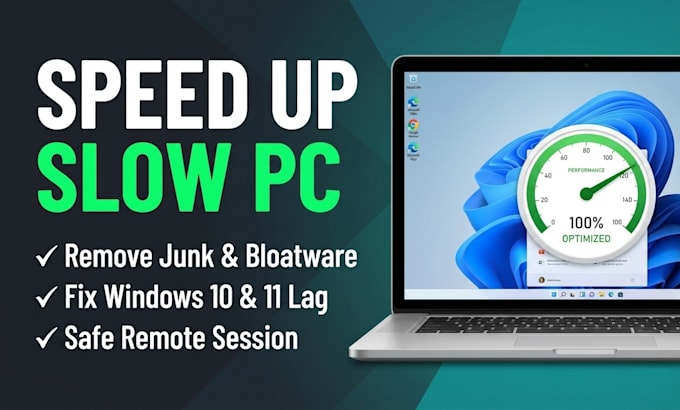
- Speed Up Slow PCs: Remove startup bloat, clean junk files, and optimize Windows performance.
- Printer & Scanner Setup: Fix "Printer Offline" errors and connect Wi-Fi or USB printers.
- Software & App Errors: Resolve crashing programs, installation failures, and missing DLL errors.
- Virus & Pop-Up Removal: Clean browser redirects, adware, and suspicious extensions.
- Microsoft Office & Email: Troubleshoot Outlook, Word, Excel, OneDrive, and Zoom/Teams audio.
- Updates & Drivers: Fix stuck Windows updates and outdated Wi-Fi, sound, or display drivers.
How It Works:
- Message Me First: Share your Windows version and problem.
- Connect Safely: We connect via AnyDesk (you stay in full control).
- Problem Solved: I fix the issue and test everything with you.
Contact me now and let's fix your PC today!

Device:
Desktop
•
Laptop
•
Mobile
•
Printer
Operating system:
Windows
My Portfolio
FAQ
Is remote access safe for my personal files?
Yes, completely. We use trusted software like AnyDesk or Windows Quick Assist where you generate a one-time code, watch my cursor live on your screen, and can end the session with one click at any time.
What do I need to prepare before our session?
Just a working internet connection on your Windows PC. Please close any personal, banking, or password tabs before we connect. If you do not have AnyDesk installed yet, I will guide you step-by-step