Browse categories
English
$
USD
Connect to your AI
tech expert
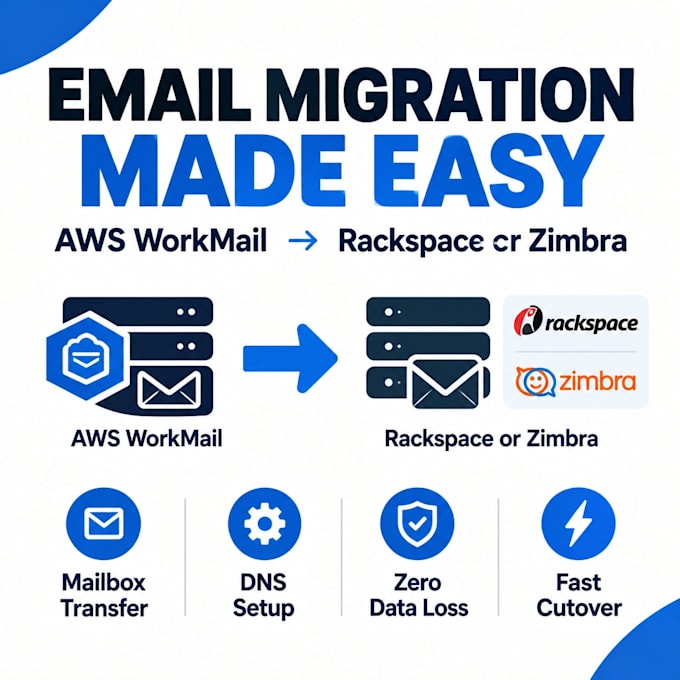
Moving away from AWS WorkMail shouldn't put your business email at risk.
Migrating to Rackspace or Zimbra involves more than just moving messages it requires careful DNS changes, account provisioning, and data transfer to avoid downtime or lost emails. I handle that process for you, start to finish.
I can help you with:
Why work with me:
You get a structured, carefully sequenced migration that protects your existing data and keeps your business email running with minimal interruption plus a clear explanation of every change made.
Ready to move your email the right way?
Send me your domain details and current AWS WorkMail setup, and let's plan your migration.


Email Provider:
Gmail
•
Yahoo
•
Outlook
•
Zoho
•
Hubspot
Expertise:
Security
•
Spam
•
Automation
•
Configuration
•
Migration
Will my emails be lost during migration?
No. The migration process is designed to transfer existing emails, contacts, and calendars without deleting data from AWS WorkMail until you confirm everything transferred correctly.
What access do you need to get started?
Admin access to your AWS WorkMail organization (ideally a limited-permission IAM account), admin access to the destination platform, and access to your DNS management panel.
How much downtime should I expect?
Downtime is typically minimal and limited to the DNS propagation window (usually a few hours), which I'll coordinate with you in advance.
How long does delivery take?
Basic single-mailbox migration takes about 2 days; larger team migrations under Standard or Premium take 3-5 days depending on mailbox count and data volume.
How many revisions are included?
1 revision on Basic, 2 on Standard, and 3 on Premium, covering adjustments within the original migration scope.
Is my AWS account and data secure?
Yes. I recommend using a limited-permission IAM account rather than root credentials, and any access provided is used only for the migration and not stored afterward.